> ## Documentation Index
> Fetch the complete documentation index at: https://docs.meetsquad.ai/llms.txt
> Use this file to discover all available pages before exploring further.
# PostHog
> Query your product analytics from an agent, and run one when PostHog forwards an event.
Qualitative feedback tells you what customers say. PostHog tells you what they do. Connecting it lets an [agent](/agents) run SQL against your product analytics mid-run, so a recommendation can cite behaviour as well as quotes.
 ## Connect
PostHog uses an API key rather than a redirect.
Clicking **Connect** opens a form with three fields.
* **Region.** US or EU, matching where your PostHog project lives.
* **Project ID.** From PostHog under Settings, then Project.
* **API key.** A personal API key, created in PostHog under Settings, then Personal API keys.
Submit and the card turns green. One connection covers one PostHog project.
## What it brings in
Nothing from PostHog becomes a signal. It is a query surface for agents, not a source of customer voice.
## Triggers
One trigger, **Event captured**. It fires when PostHog forwards an event to Squad from a webhook destination you set up on your side. PostHog's own destination filters decide which events get forwarded, so the shape of this trigger is entirely yours to define.
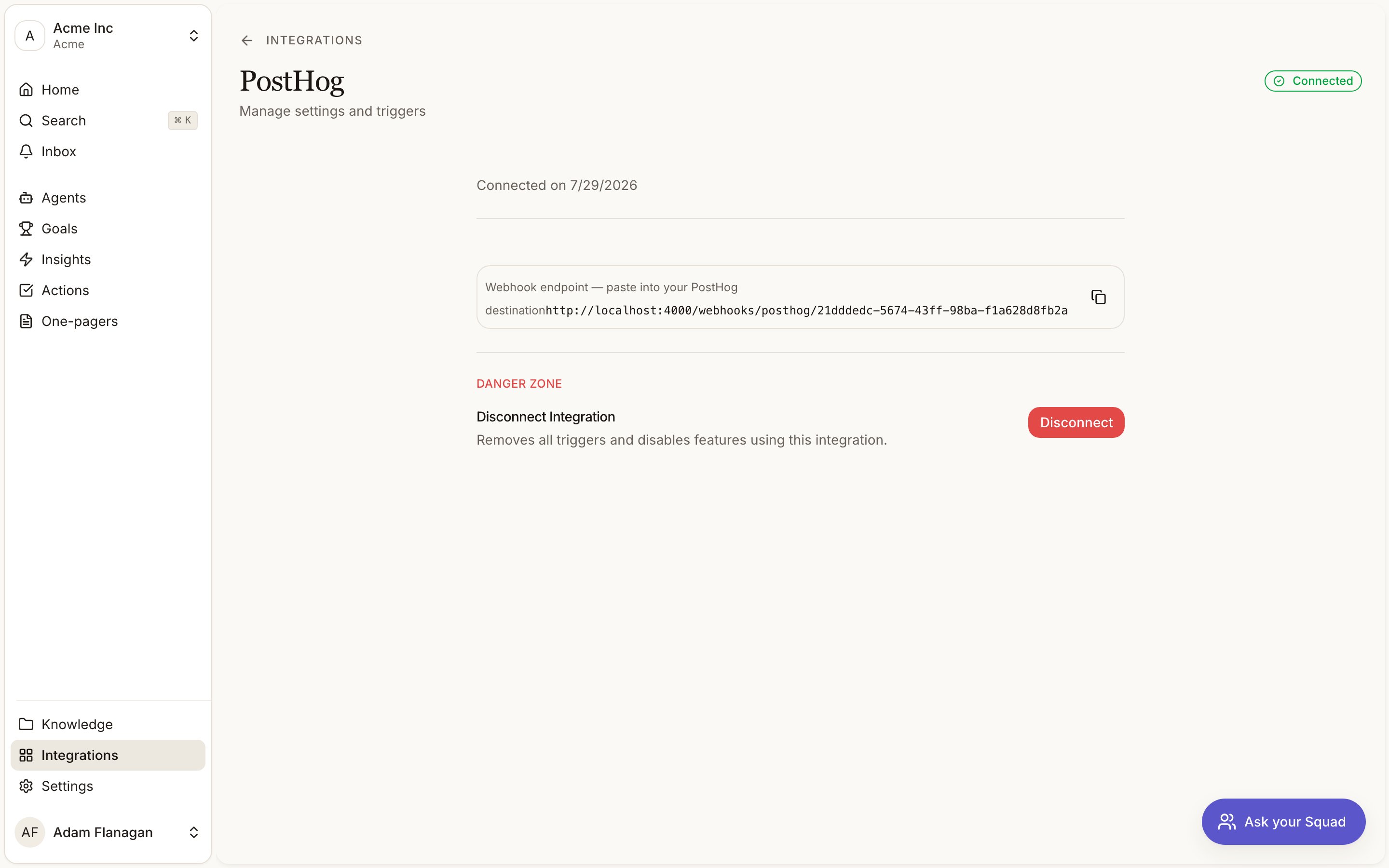
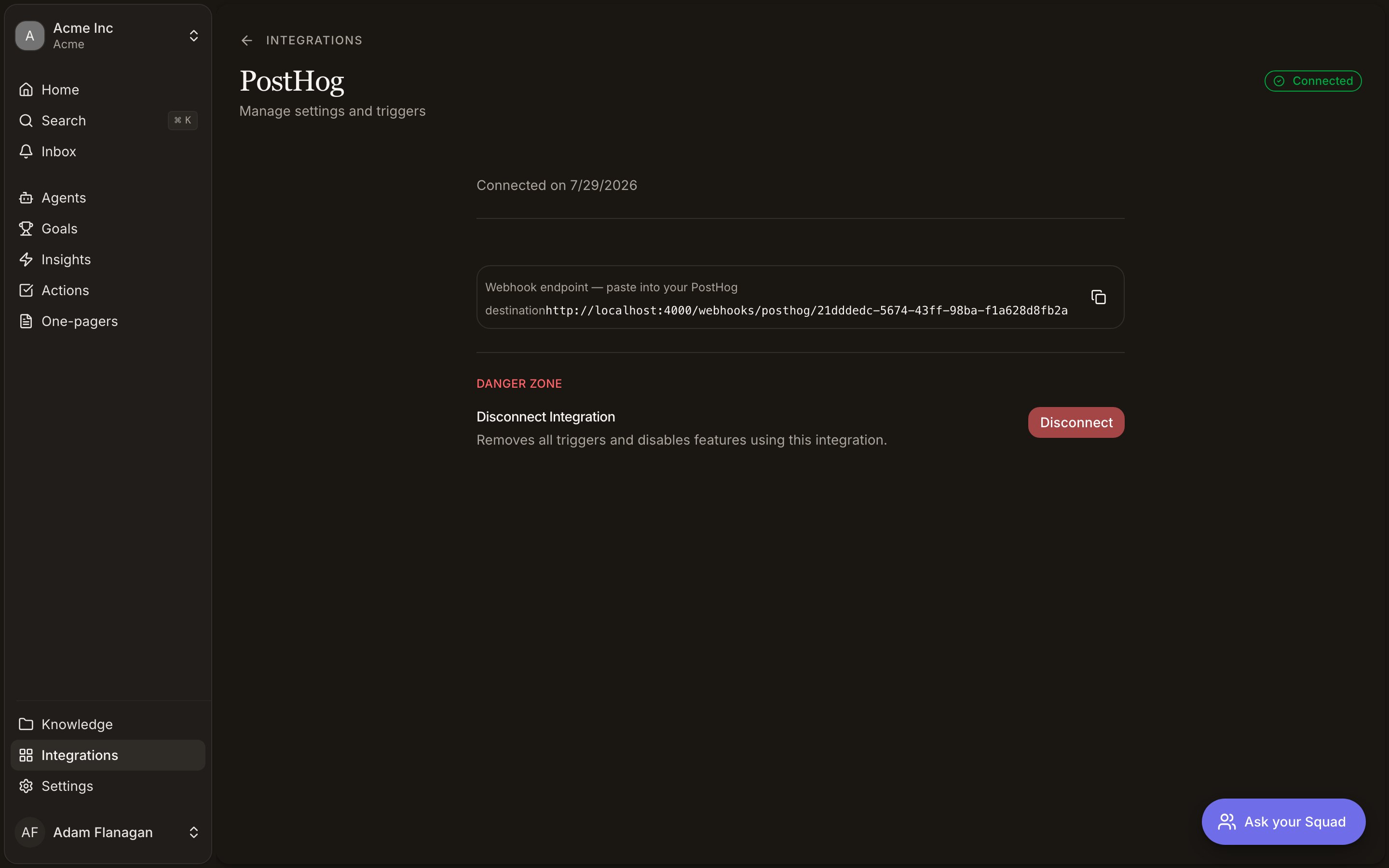
The PostHog detail page in Squad shows the webhook endpoint to paste into that destination, with a copy button.
Filter tightly in PostHog. A destination pointed at a high-volume event will start an agent run every time it fires.
The destination also has to send the shared secret header Squad checks, `x-squidge-webhook-secret`. The app shows the URL but not the secret value, so ask support for it when you configure the destination.
## Tools
| Tool | What it does |
| ------------------- | -------------------------------------------------------------------------------------------------------------------- |
| **Run HogQL query** | Runs a SQL-style query against the connected project and returns the columns and rows, capped at the first 100 rows. |
| **List insights** | Returns the saved insights (charts and dashboards) in the project, 25 by default and up to 100. |
Run HogQL query is the one that does the real work. Events, trends, funnels and retention are all expressed as SQL.
PostHog has none. Squad queries your analytics and never writes to them.
## A worked example
You have an insight claiming customers abandon onboarding at the workspace-invite step. Ask an agent with PostHog read tools to check it. The agent writes a HogQL query counting how many users reach each onboarding step over the last 30 days, gets the rows back, and either confirms the drop-off or shows the complaint is louder than the behaviour. That answer goes into the [one-pager](/one-pagers) as a number rather than a hunch.
## Limits
Queries return the first 100 rows, so aggregate in the query rather than pulling raw events. One project per connection. The trigger fires for whatever your PostHog destination forwards, which makes filtering in PostHog the only volume control you have.
## Connect
PostHog uses an API key rather than a redirect.
Clicking **Connect** opens a form with three fields.
* **Region.** US or EU, matching where your PostHog project lives.
* **Project ID.** From PostHog under Settings, then Project.
* **API key.** A personal API key, created in PostHog under Settings, then Personal API keys.
Submit and the card turns green. One connection covers one PostHog project.
## What it brings in
Nothing from PostHog becomes a signal. It is a query surface for agents, not a source of customer voice.
## Triggers
One trigger, **Event captured**. It fires when PostHog forwards an event to Squad from a webhook destination you set up on your side. PostHog's own destination filters decide which events get forwarded, so the shape of this trigger is entirely yours to define.
The PostHog detail page in Squad shows the webhook endpoint to paste into that destination, with a copy button.
Filter tightly in PostHog. A destination pointed at a high-volume event will start an agent run every time it fires.
The destination also has to send the shared secret header Squad checks, `x-squidge-webhook-secret`. The app shows the URL but not the secret value, so ask support for it when you configure the destination.
## Tools
| Tool | What it does |
| ------------------- | -------------------------------------------------------------------------------------------------------------------- |
| **Run HogQL query** | Runs a SQL-style query against the connected project and returns the columns and rows, capped at the first 100 rows. |
| **List insights** | Returns the saved insights (charts and dashboards) in the project, 25 by default and up to 100. |
Run HogQL query is the one that does the real work. Events, trends, funnels and retention are all expressed as SQL.
PostHog has none. Squad queries your analytics and never writes to them.
## A worked example
You have an insight claiming customers abandon onboarding at the workspace-invite step. Ask an agent with PostHog read tools to check it. The agent writes a HogQL query counting how many users reach each onboarding step over the last 30 days, gets the rows back, and either confirms the drop-off or shows the complaint is louder than the behaviour. That answer goes into the [one-pager](/one-pagers) as a number rather than a hunch.
## Limits
Queries return the first 100 rows, so aggregate in the query rather than pulling raw events. One project per connection. The trigger fires for whatever your PostHog destination forwards, which makes filtering in PostHog the only volume control you have.