> ## Documentation Index
> Fetch the complete documentation index at: https://docs.meetsquad.ai/llms.txt
> Use this file to discover all available pages before exploring further.
# Workspace settings
> Your workspace name, its icon, and what Squad notifies you about. Two tabs, nothing else.
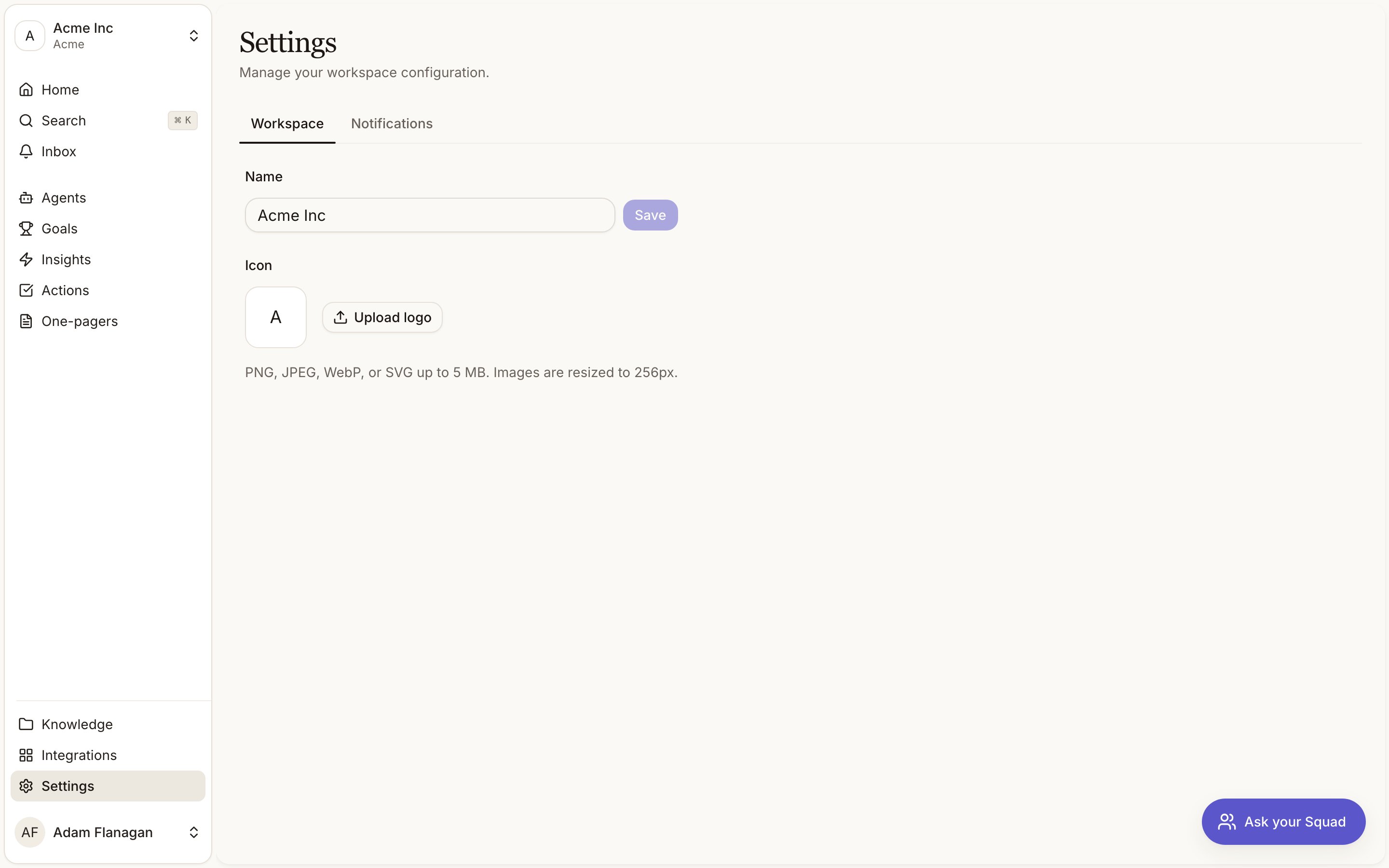
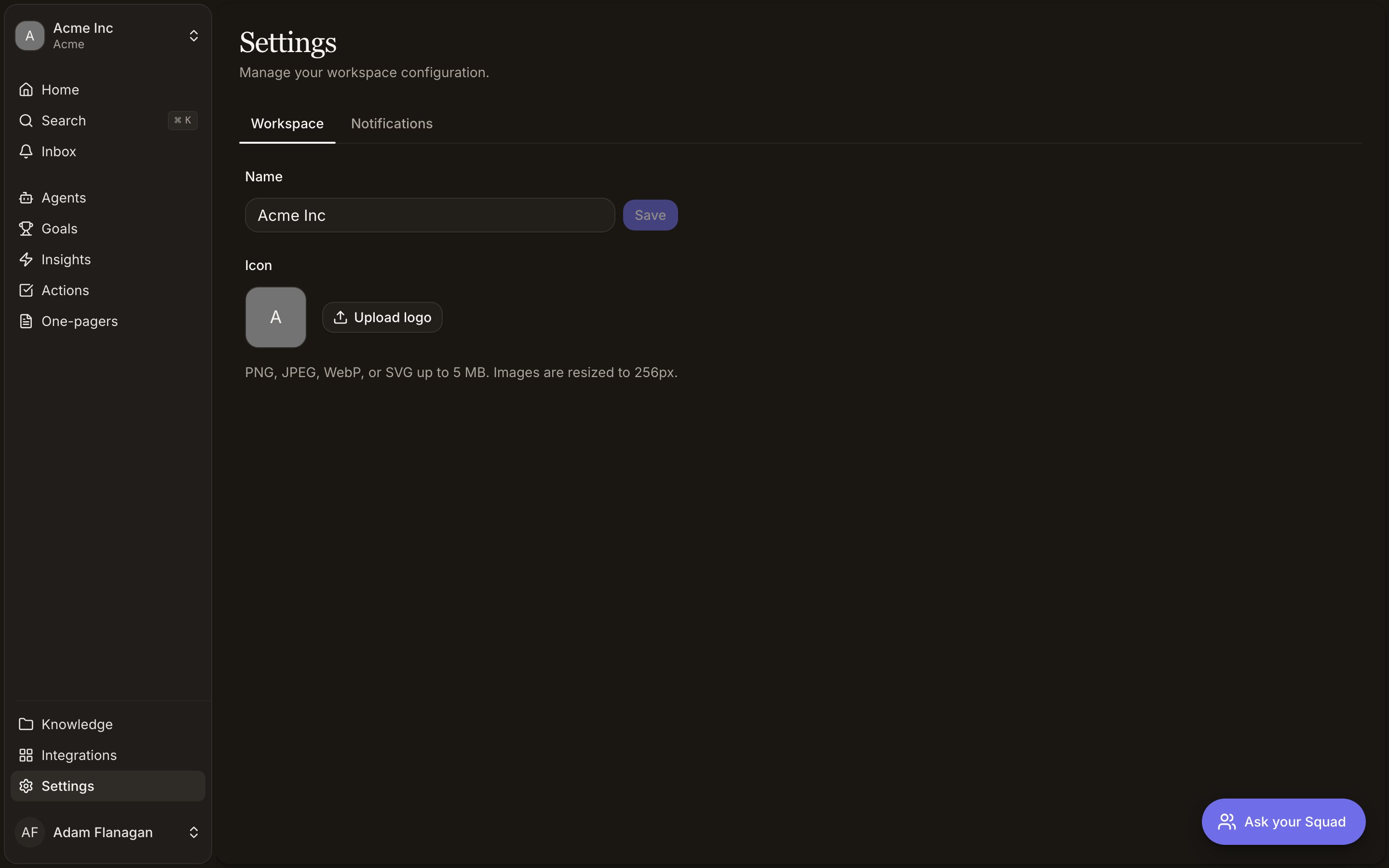
**Settings** sits at the bottom of the sidebar, under **Knowledge** and **Integrations**. The page holds two tabs, **Workspace** and **Notifications**, and the heading tells you what it covers: *Manage your workspace configuration*.
Settings are per workspace. Switch workspace and you are looking at a different set.
 ## The two tabs
Two things live here: the workspace name and its icon.
### Name
Type into the **Name** field and click **Save**, or press Enter. Up to 120 characters. **Save** stays greyed out until you have actually changed something, and an empty name cannot be saved. A toast confirms with **Workspace name updated**.
Renaming the workspace also changes its web address. Squad rebuilds the URL slug from the new name and moves you to it, so an old bookmark or a link you pasted into Slack will stop working. Rename deliberately, and re-share links afterwards.
### Icon
The icon shows next to the workspace name in the switcher. Click **Upload logo** to set one, or **Replace logo** to swap it. **Remove** clears it back to the default.
PNG, JPEG, WebP, or SVG, up to 5 MB. Squad resizes what you upload to 256 pixels on its longest edge, so a large screenshot or a full logo lockup will come out small and unreadable. Use a square mark. There is no save step; the icon is stored the moment you pick the file, and you get a **Logo updated** toast.
If a file is rejected the toast tells you why: the wrong format, over 5 MB, or still too heavy after compression (try a simpler image with fewer colours).
Three switches control what Squad tells you about: new insights, new documents, and new goals. They are per person and per workspace, so your choices do not affect your teammates and can differ between workspaces.
Everything about those switches, the inbox they feed, and the notifications that ignore them is on [Notifications](/notifications).
## What is not here
**Workspace** and **Notifications** are the only two tabs. There is no API keys tab, and no other settings screen behind this one.
Members, invites, and roles are managed for your whole organisation outside the workspace, not on this page. There is no workspace deletion, and no per-workspace billing.
Connecting Slack, GitHub, Linear, and the rest happens here.
What Squad's agents are allowed to read and write is set per agent.
## The two tabs
Two things live here: the workspace name and its icon.
### Name
Type into the **Name** field and click **Save**, or press Enter. Up to 120 characters. **Save** stays greyed out until you have actually changed something, and an empty name cannot be saved. A toast confirms with **Workspace name updated**.
Renaming the workspace also changes its web address. Squad rebuilds the URL slug from the new name and moves you to it, so an old bookmark or a link you pasted into Slack will stop working. Rename deliberately, and re-share links afterwards.
### Icon
The icon shows next to the workspace name in the switcher. Click **Upload logo** to set one, or **Replace logo** to swap it. **Remove** clears it back to the default.
PNG, JPEG, WebP, or SVG, up to 5 MB. Squad resizes what you upload to 256 pixels on its longest edge, so a large screenshot or a full logo lockup will come out small and unreadable. Use a square mark. There is no save step; the icon is stored the moment you pick the file, and you get a **Logo updated** toast.
If a file is rejected the toast tells you why: the wrong format, over 5 MB, or still too heavy after compression (try a simpler image with fewer colours).
Three switches control what Squad tells you about: new insights, new documents, and new goals. They are per person and per workspace, so your choices do not affect your teammates and can differ between workspaces.
Everything about those switches, the inbox they feed, and the notifications that ignore them is on [Notifications](/notifications).
## What is not here
**Workspace** and **Notifications** are the only two tabs. There is no API keys tab, and no other settings screen behind this one.
Members, invites, and roles are managed for your whole organisation outside the workspace, not on this page. There is no workspace deletion, and no per-workspace billing.
Connecting Slack, GitHub, Linear, and the rest happens here.
What Squad's agents are allowed to read and write is set per agent.