

Overview
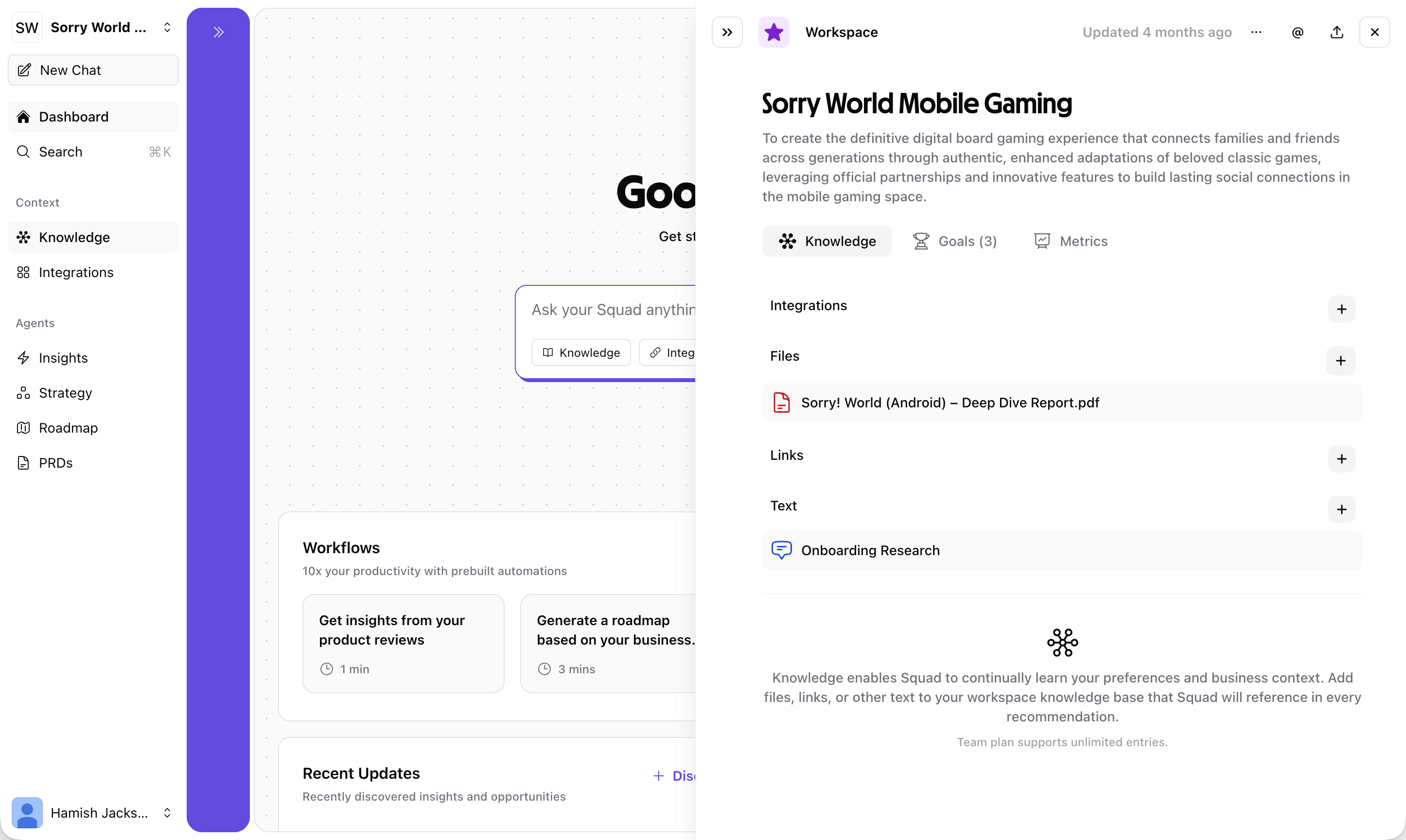
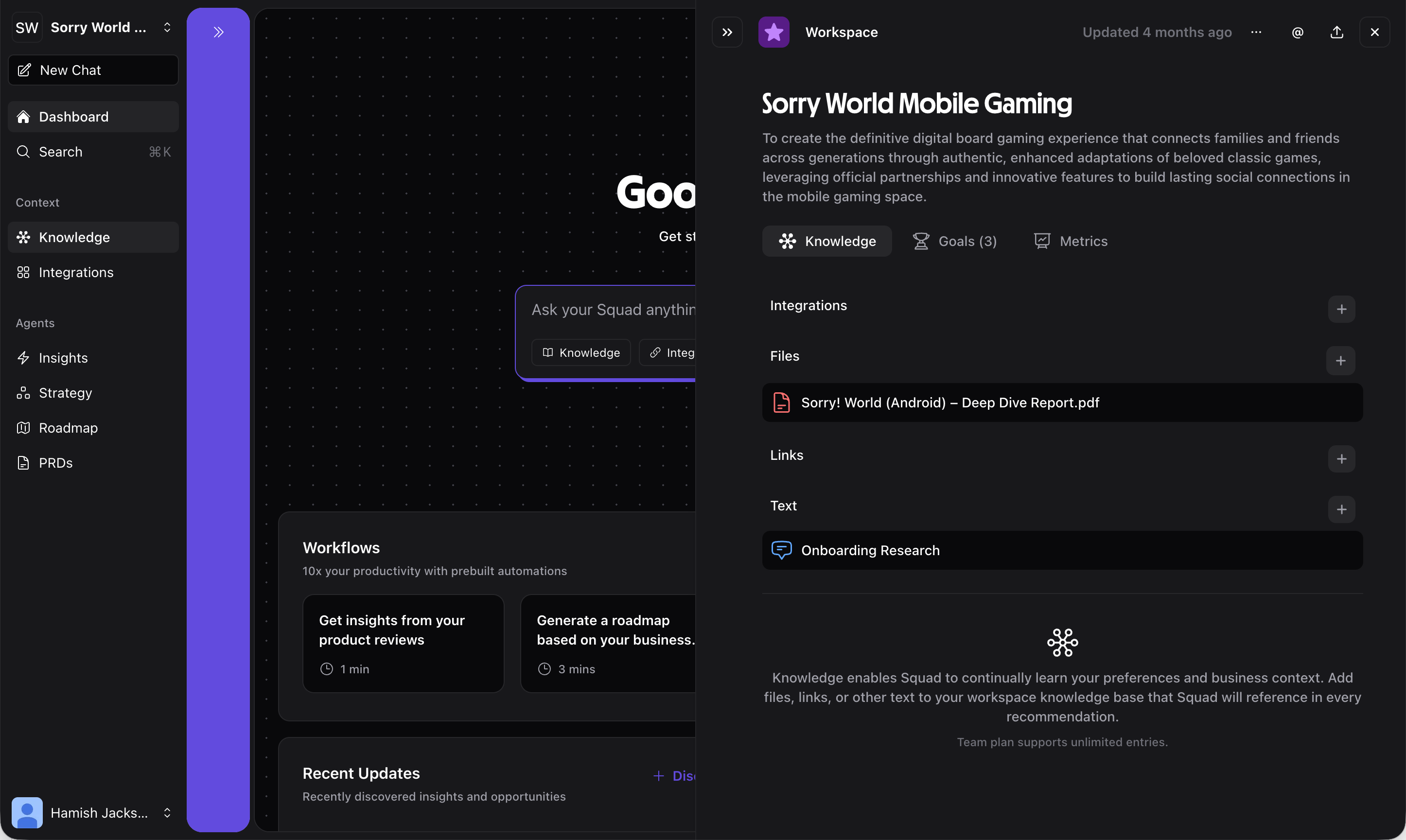
Knowledge is accessible from the sidebar under Context → Knowledge and is used across all Squad features including Chat, Insights, Strategy, and Roadmap.
Knowledge panel
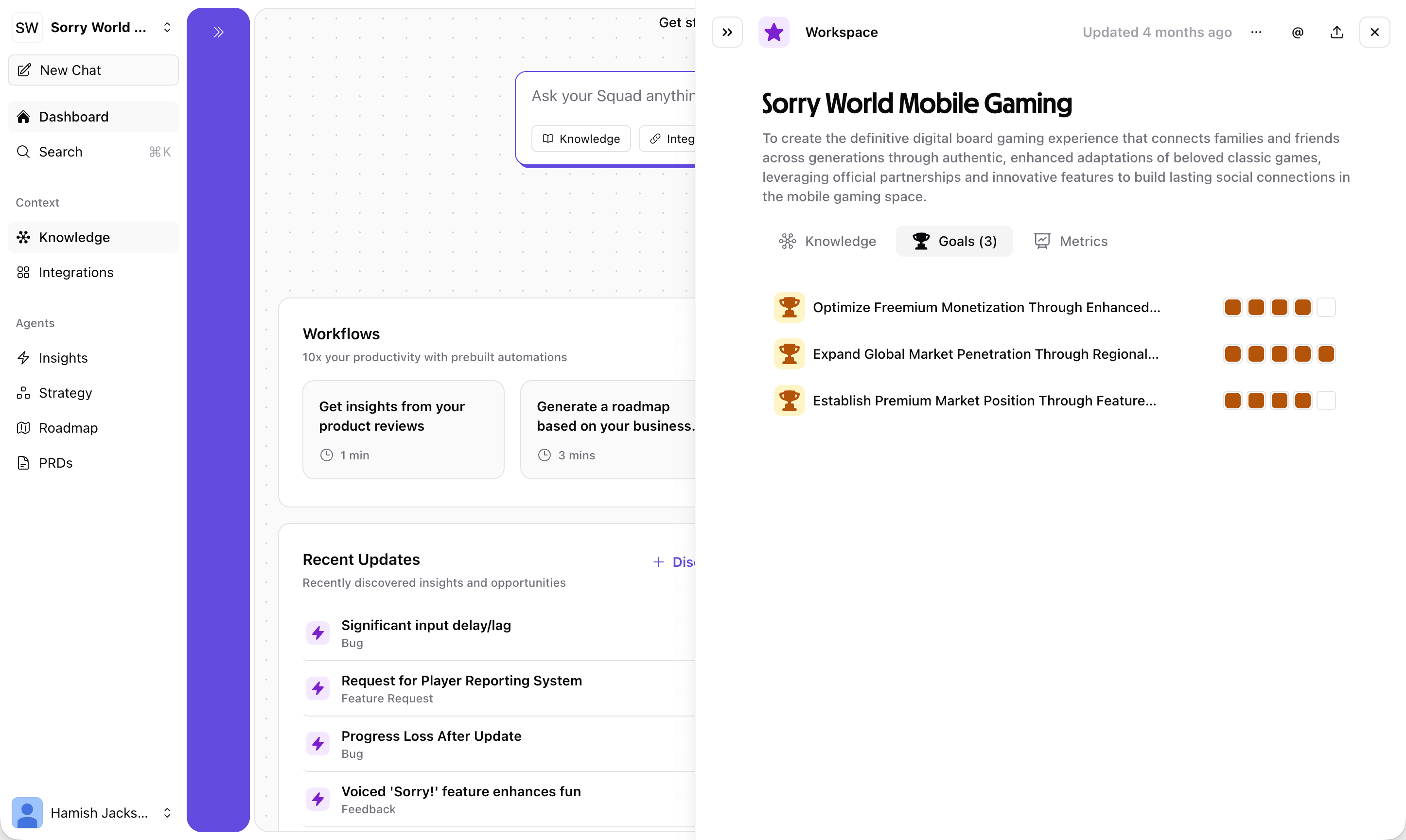
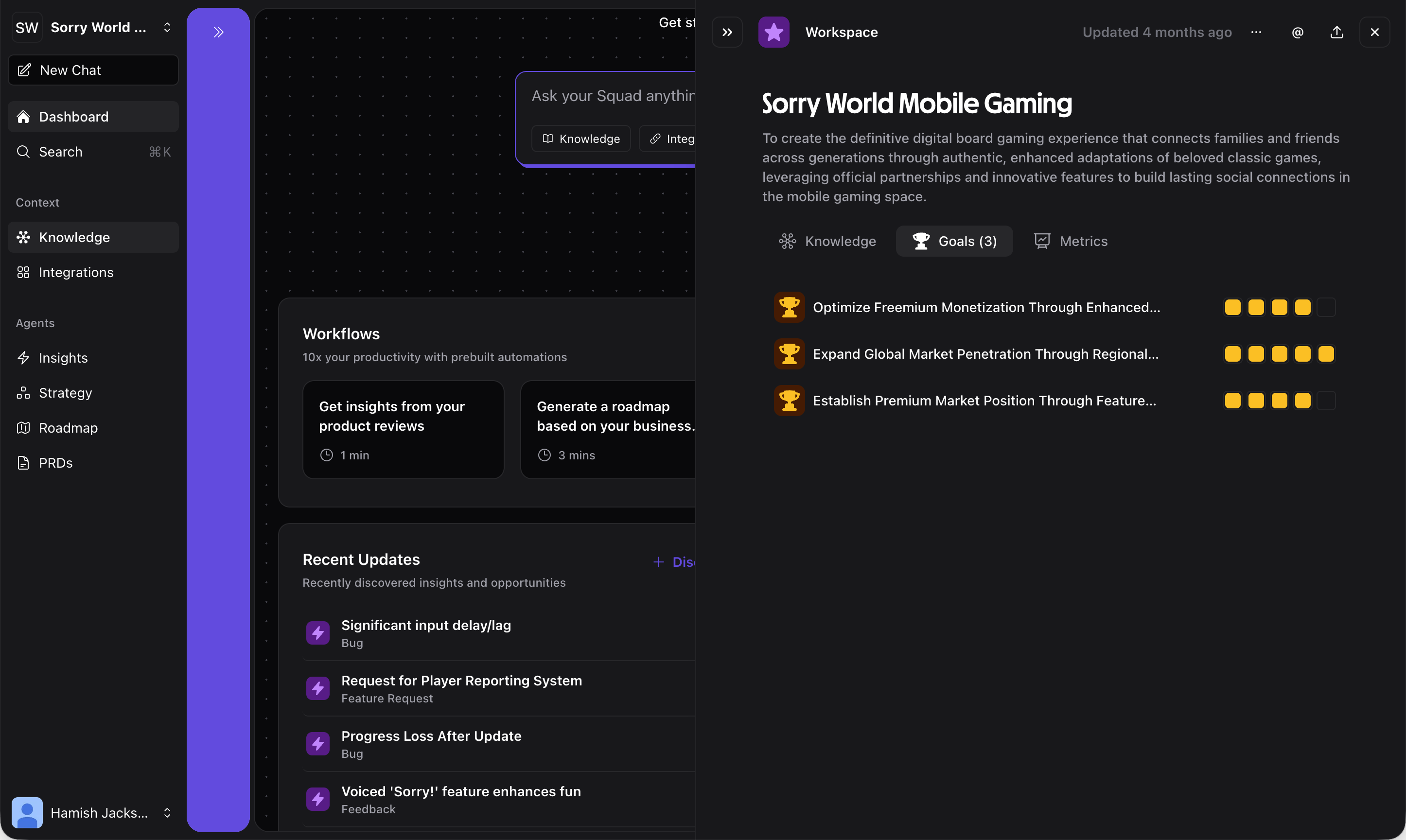
The Knowledge panel has three tabs:- Knowledge
- Goals
- Metrics
Manage the information Squad uses for context. Knowledge is organized into four categories:
- Integrations — Data automatically synced from connected tools (Notion, app stores, analytics platforms, etc.)
- Files — Upload documents like pitch decks, research reports, or spreadsheets
- Links — Add URLs to websites, articles, or online resources for Squad to reference
- Text — Add free-form text notes, business context, or product descriptions
Adding knowledge
From integrations
Connect tools like Notion, app stores, or analytics platforms to automatically sync relevant data into your knowledge base. Navigate to Integrations in the sidebar to set up connections.Uploading files
Click the Files tab in the Knowledge panel and upload documents directly. Supported formats include PDFs, documents, and spreadsheets. Squad will extract and index the content for use in AI responses.Adding links
Paste URLs into the Links tab to have Squad reference web content. This is useful for competitor analysis, market research articles, or your own website content.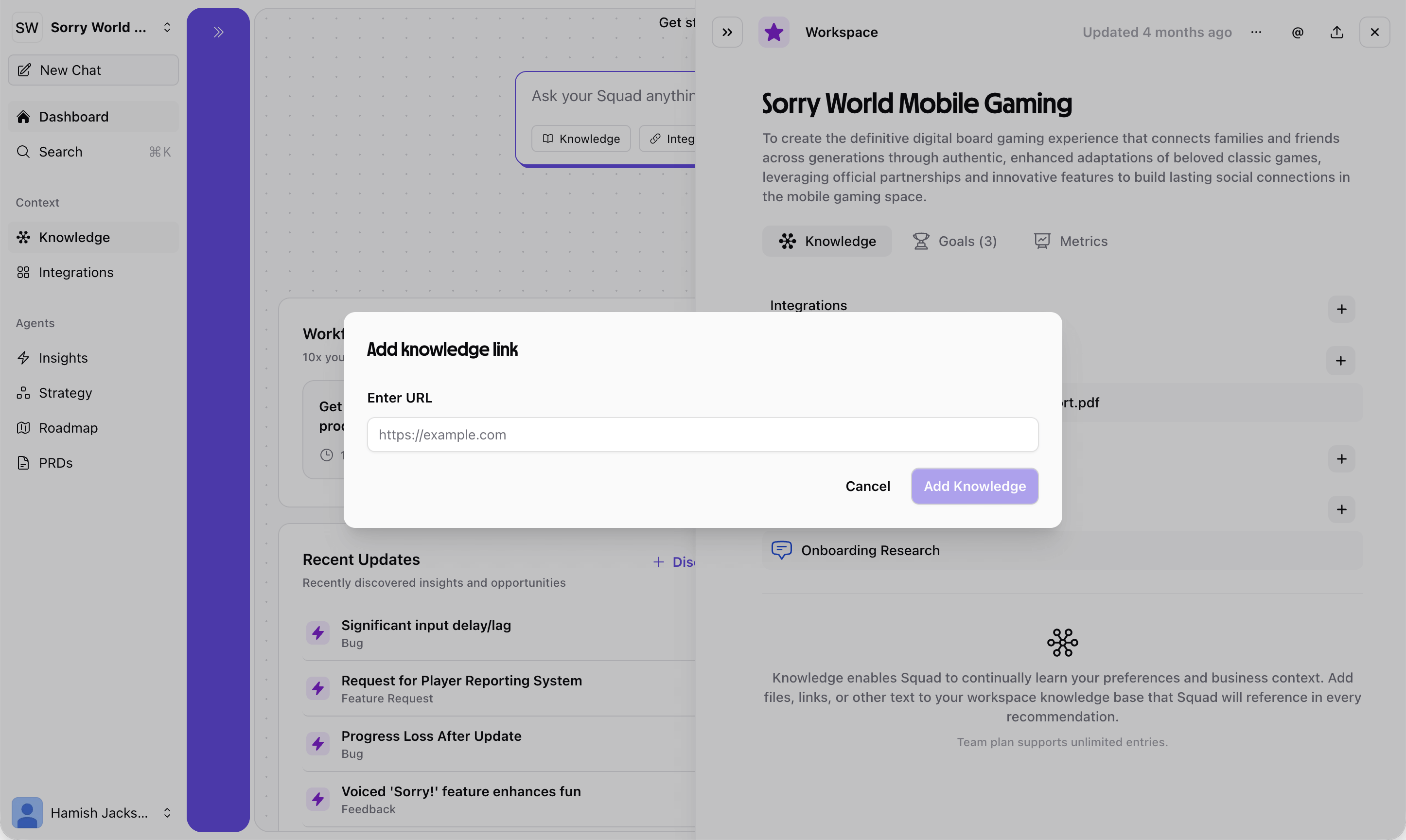
Adding text
Use the Text tab to add free-form context like:- Product descriptions and positioning
- Target audience definitions
- Business model details
- Competitive advantages
- Internal notes and decisions
How knowledge feeds into Squad
Knowledge is used across every Squad feature:Chat
Squad references your knowledge when answering questions, ensuring responses are tailored to your specific product and business
Insights
Knowledge provides context for interpreting feedback and analytics data, leading to more relevant insight discovery
Strategy
Your goals and business context help Squad generate better opportunities and solutions that align with your mission
Roadmap
Knowledge about your team, resources, and priorities helps Squad make better prioritization recommendations
Best practices
Keep it current
Update knowledge as your product evolves — outdated context leads to outdated recommendations
Be specific
Detailed product descriptions and clear goals give Squad better context than vague summaries
Connect your tools
Integration data is automatically kept in sync, reducing manual effort
Quality over quantity
Focus on relevant, high-quality context rather than dumping everything in
Related features
Chat
Ask questions using your knowledge context
Integrations
Connect tools to auto-sync knowledge
Strategy
See how knowledge informs your strategy