

Templates
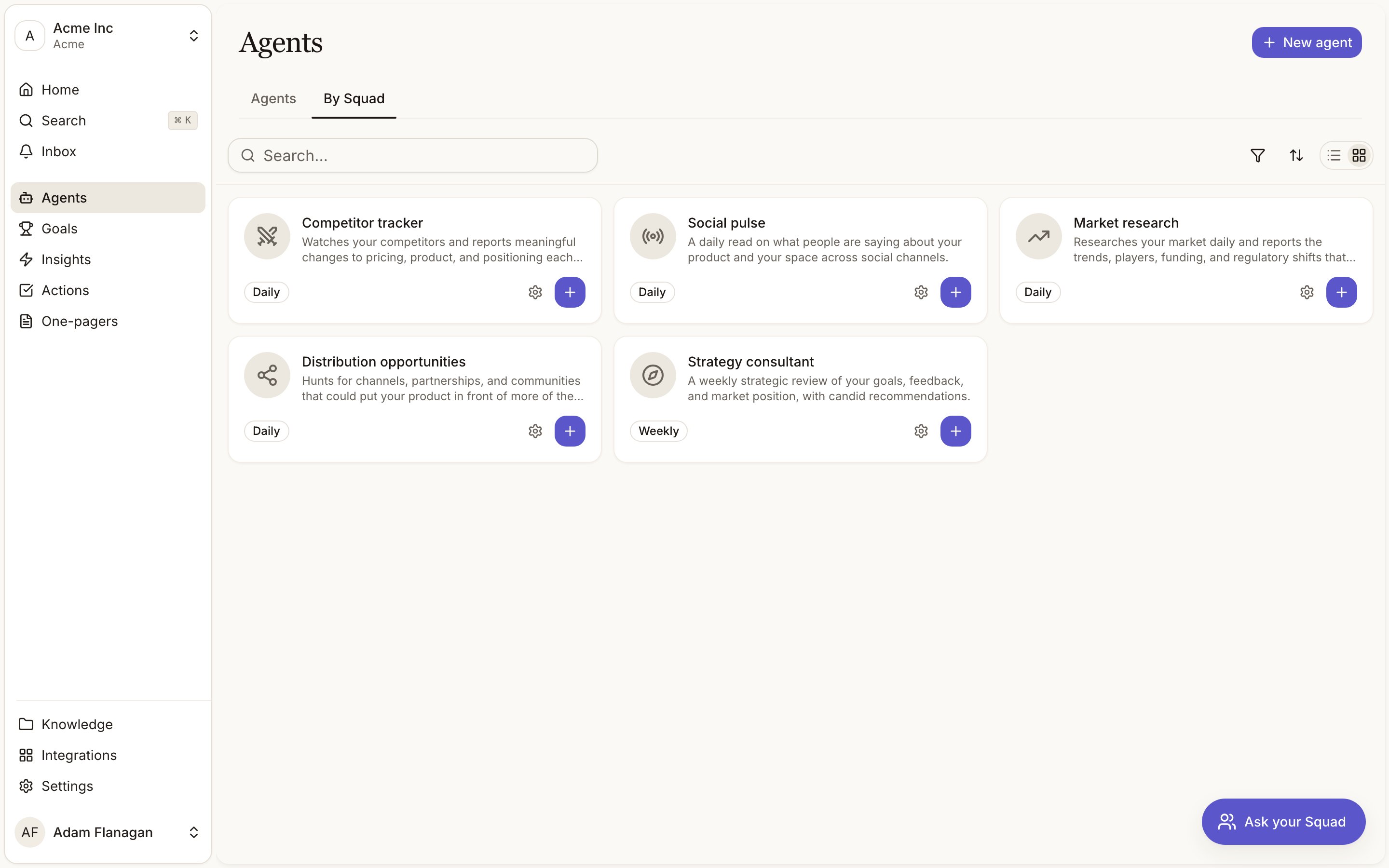
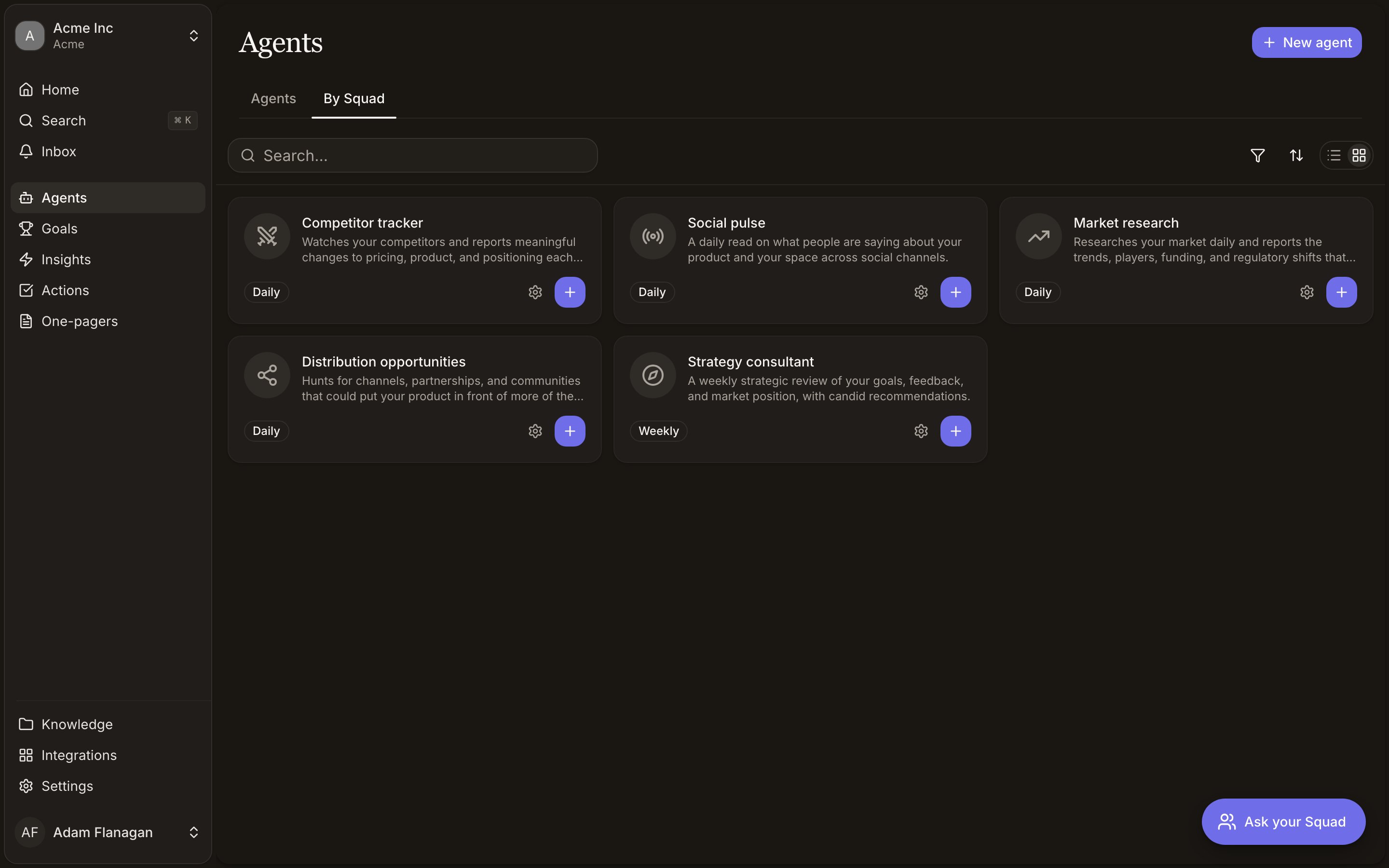
Competitor tracker
competitor-tracker. Watches your competitors and reports meaningful changes to pricing, product, and positioning each day. It keeps one index document of every competitor you track plus a profile per competitor, and records material changes with dates. Daily.Social pulse
social-pulse. A daily read on what people are saying about your product and your space across social channels. It keeps one durable record of recurring themes, sentiment shifts, and the communities worth watching. Passing chatter stays in the daily report. Daily.Market research
market-research. Researches your market daily and reports the trends, players, funding, and regulatory shifts that matter, with takeaways. It maintains a market map of segments, key players, and open questions. Daily.Distribution opportunities
distribution-opportunities. Hunts for channels, partnerships, and communities that could put your product in front of more of the right people. It keeps a playbook of every opportunity with reach, effort, the concrete first step, and current status. Daily.Strategy consultant
strategy-consultant. A weekly strategic review of your goals, feedback, and market position, with candid recommendations. It maintains a working perspective file of durable themes, live hypotheses with evidence for and against, open questions, and a log of past advice and what happened to it. Weekly.Build vs demand review
build-vs-demand. Compares what shipped against what customers are asking for, and flags where delivery is running ahead of demand or where real demand is going unbuilt. It reads Squad’s own knowledge, insights, and goals, so it works best once your delivery record and customer feedback already flow in. It keeps a ledger of each demand theme, its evidence strength, delivery status, related goal, and how the gap is trending. Weekly.Weekly shipped work
weekly-shipped-work. Reviews the 50 most recently updated Linear issues, identifies completed work, maintains a shipped-work knowledge index, and reports what shipped each week. Requires Linear. Read-only.Stalled-work watcher
stalled-work-watcher. Reviews the recently updated Linear issue window for explicit blockers and possible progress risks, then produces a concise risk report. It names gaps where the available issue data cannot confirm ownership or inactivity. Requires Linear. Read-only.Release readiness brief
release-readiness-brief. Summarizes completed work, remaining issues, blockers, and delivery confidence from recent Linear activity. It makes the 50-issue window and lack of project or date filtering explicit. Requires Linear. Read-only.Recurring bug detector
recurring-bug-detector. Finds likely bug themes in recent Linear issues and maintains a product-quality watchlist of recurring risks. Requires Linear. Read-only.Customer-channel digest
customer-channel-digest. Reads selected Slack channels each week, clusters requests, pain points, praise, objections, and open questions, then creates signals and a digest. Requires at least one channel the Squad bot can read. Read-only in Slack.Escalation radar
escalation-radar. Reads selected Slack channels daily for urgent customer language, repeated follow-ups, and unresolved questions. It creates signals from direct customer evidence and a ranked escalation report. Requires at least one channel the Squad bot can read. Read-only in Slack.Sales-objection tracker
sales-objection-tracker. Reads selected sales or prospect Slack channels weekly, extracts common objections and missing proof points, and creates Squad signals. Requires at least one channel the Squad bot can read. Read-only in Slack.PRD guardrails
prd-evidence-guard. Watches one shared Notion PRD and compares each change with Squad insights, goals, and knowledge. Requires a Notion page. Read-only.Research freshness monitor
research-freshness-monitor. Watches a shared Notion research page and identifies findings or assumptions that may need re-validation. It maintains a research freshness ledger. Requires a Notion page. Read-only.Support request triage
support-request-triage. Runs when a request is created in selected Jira Service Management spaces, assesses its theme and urgency, and creates signals plus a Squad-side report. Requires at least one monitored space. Read-only in Jira.Incident theme tracker
incident-theme-tracker. Runs for new requests in selected Jira Service Management spaces, groups them into recurring incident themes, and tracks recent urgency and volume in an index. Requires at least one monitored space. Read-only in Jira.Morning briefing
morning-briefing. Reports every morning on what moved in the last 24 hours, covering new signals, new insights, and actions completed. It cites the item behind every claim and says so plainly when the night was quiet. No sources or connections needed. Daily.Weekly briefing
weekly-briefing. Reports every week on the trailing seven days, grouped into themes, with the trend against previous weeks and a watch list of what is forming but not yet worth acting on. No sources or connections needed. Weekly.What each one produces
Every template generates a report when it runs. Scheduled templates also report on a quiet day or week, giving you a written “nothing moved” rather than silence. Event-backed templates run only when their configured Notion page or Jira request event arrives. Templates that maintain a working knowledge document do so through their instructions and explicit knowledge access. Competitor tracker, Social pulse, and Market research have Discover insights on, so what they read becomes signals that cluster into insights. Distribution opportunities, Strategy consultant, and Build vs demand review don’t extract signals. Their value is the report, and each keeps a working knowledge document (a playbook, a perspective file, a ledger) it maintains through its instructions and knowledge access. Customer-channel digest, Escalation radar, Sales-objection tracker, Support request triage, and Incident theme tracker also discover insights. Weekly shipped work, Recurring bug detector, Research freshness monitor, and Incident theme tracker can create or update their working indexes. Stalled-work watcher and Release readiness brief read Linear alongside Squad context and produce their reports; PRD guardrails reads its configured Notion page alongside Squad context.No template ships with a delivery channel. Add Slack or email afterwards, or up front through Configure for templates that offer it.
Two ways to start
Every template card carries a cog and one button. The cog is the long way round, the button is the short one.Configure (the cog)
Opens the New agent form prefilled with the template’s name, description, instructions, schedule, and outputs, plus the standard access defaults. Change anything, then create. Take this path to see and set what the agent can reach before it runs.
Create
On a template with nothing to choose, the button reads Create. It makes the agent immediately from the template as written, queues its first run, and drops you back on the Agents tab with the new agent already running. Template names are fixed, so creating the same one twice appends a number (
Social pulse 2) rather than failing.