

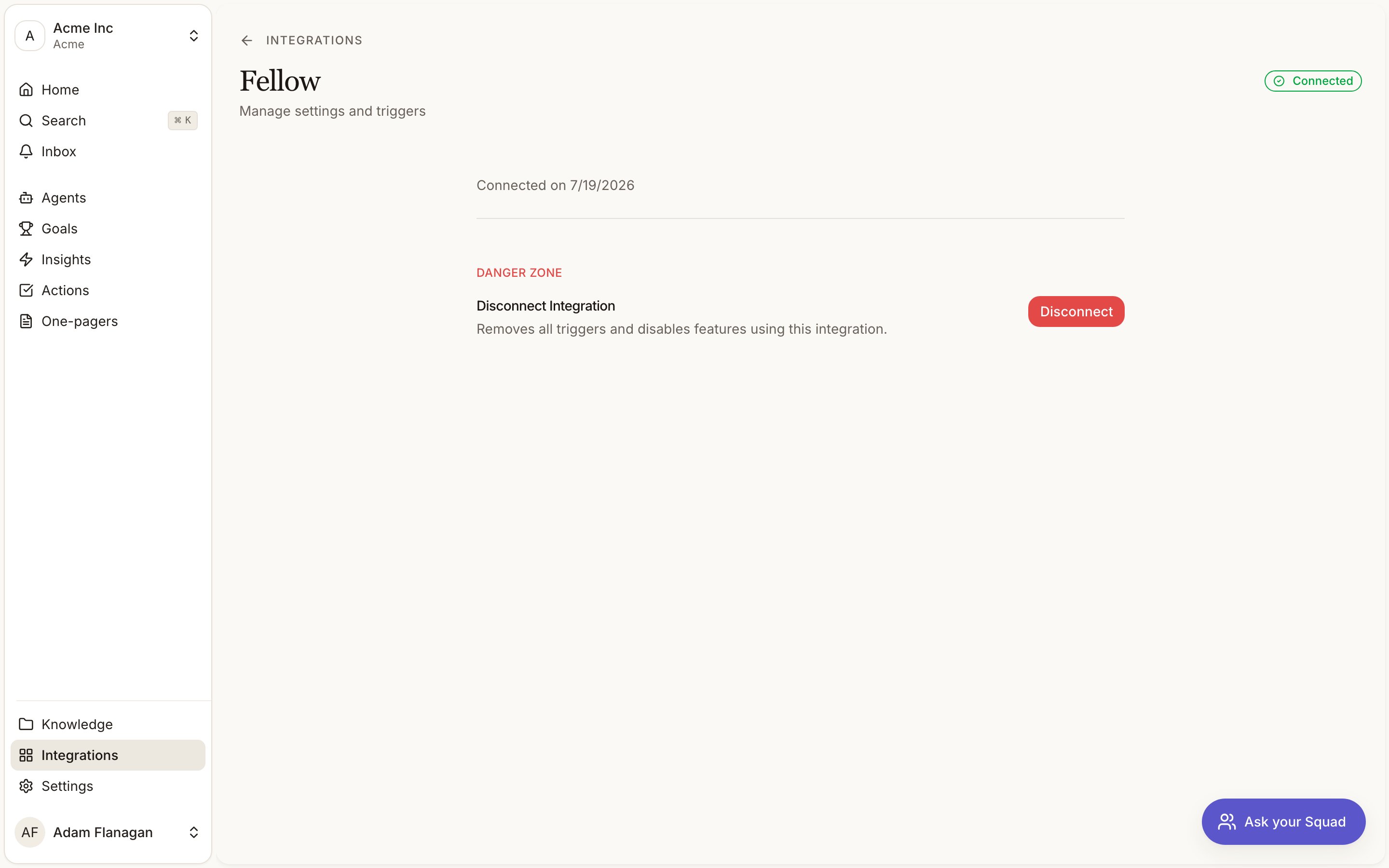
Connect
Fellow uses an API key rather than a redirect.Create an API key in Fellow
Create a key under User Settings, then Developer tools.
Fill in the connect form
Clicking Connect opens a form with two fields. Your workspace subdomain (the part before
.fellow.app in your Fellow URL) and the API key.Submit
Squad registers a webhook in Fellow so new notes reach the right workspace. Disconnecting removes it again.
Triggers
One trigger, Note generated. It fires when Fellow finishes generating AI notes from a recording, not when a meeting is scheduled or a recording starts.Tools
- Read
- Write
Neither brings a meeting into your feedback. That is the Fellow meeting notes workflow, which captures every note in scope whether or not an agent asks for it.
Getting meetings into your feedback
Switch on the Fellow meeting notes workflow from the By Squad tab on the Agents page. Scope it by words in the meeting title, because the trigger fires for every meeting the connected user attends and an empty scope pulls in one-to-ones and interviews alongside the customer calls. Fellow writes the AI notes before the transcript is ready. A note whose transcript has not landed is not captured: the attempt is recorded as Failed and retried a few times, rather than staging a title with nothing under it. A transcript slower than that stays as a failed row, which is the visible outcome and the one you can act on.Meetings recorded before you switched the workflow on are not backfilled.
A worked example
Switch the workflow on withdiscovery, customer and renewal as its title terms, so the calls that matter arrive on their own. Then build an agent triggered on Note generated for the judgement. It reads the note’s attendees, works out which account the call belongs to, and writes the account team a summary. Point its output at a Slack channel and they get it while the call is still fresh.