

Connect

Start the install
Click Connect on the GitHub card. GitHub’s install app screen opens.
Pick the account and the repositories
That screen asks which account or organisation to install Squad on, and which repositories it may access (all of them, or a list you choose).
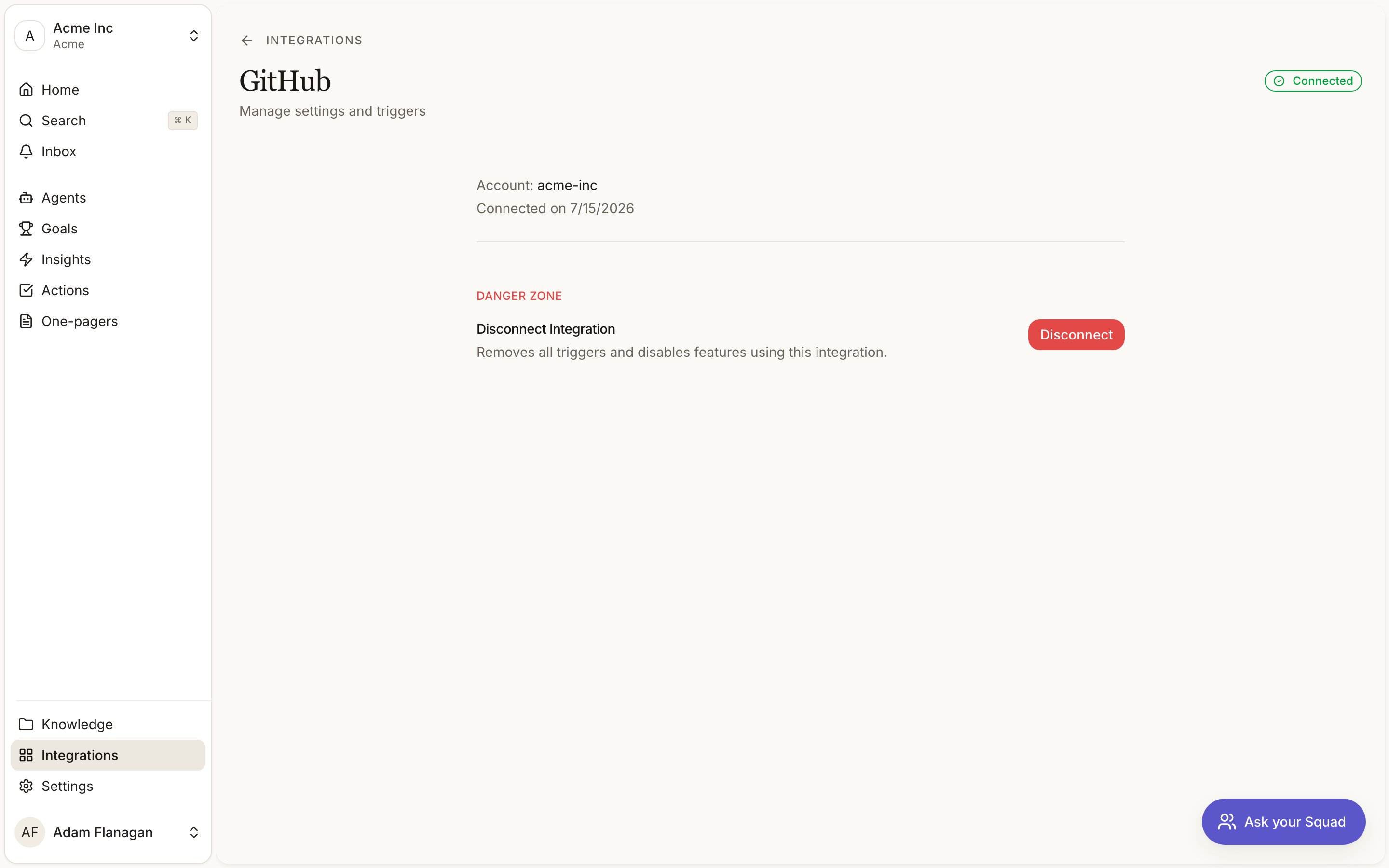
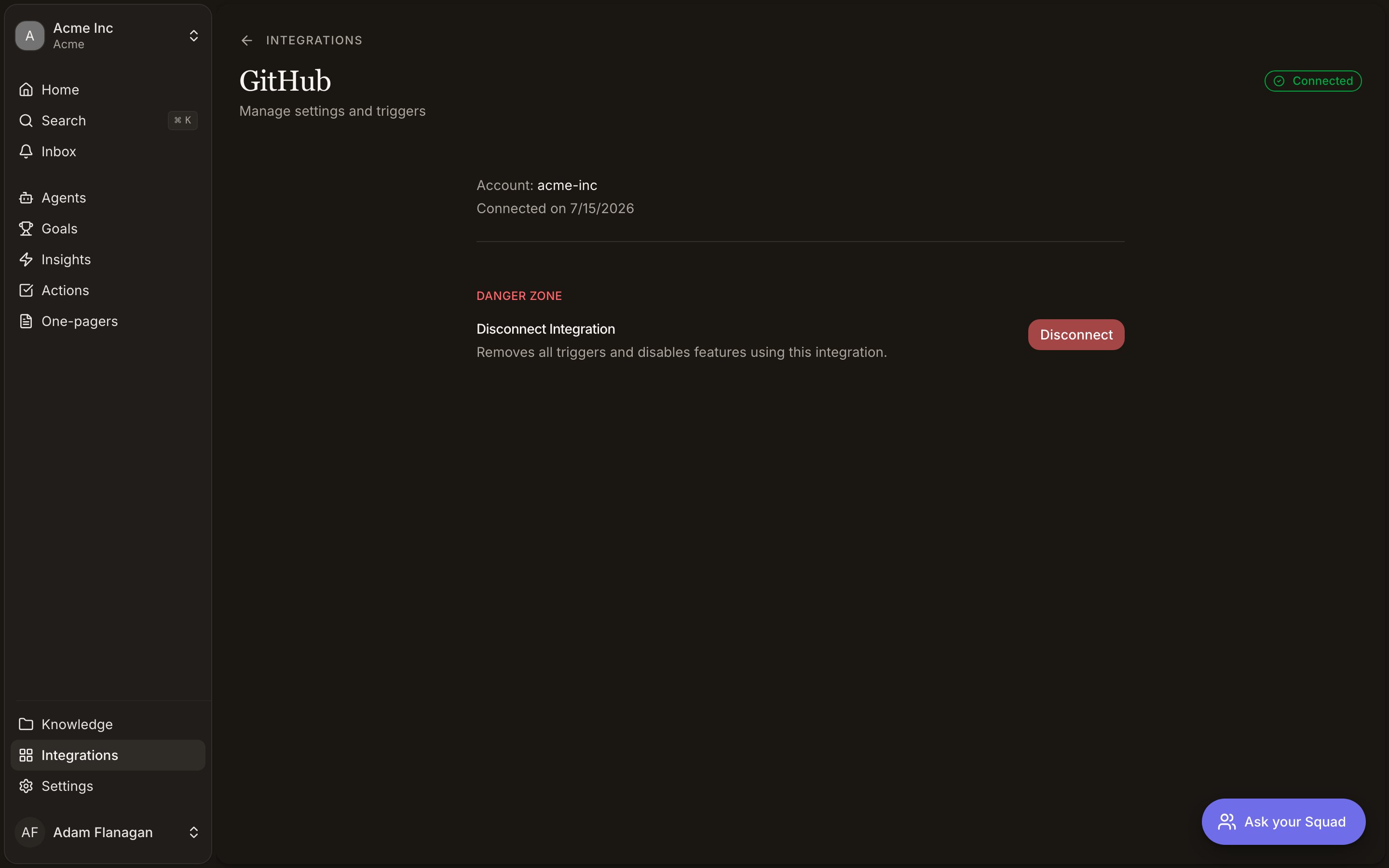
Disconnect
Click Manage on the GitHub card, scroll to Danger Zone at the bottom of the page, and click Disconnect. Triggers stop, agents lose the GitHub tools, and the card drops out of Connected back into Discover. The reverse direction works too. Uninstalling the Squad app from GitHub disconnects the integration here, with the same drop back into Discover, a plain Connect button and no other warning. Click it to install again. If Connect fails with an error before GitHub’s install screen opens, Squad’s own GitHub credentials are misconfigured. Contact support.Getting issues into your feedback
Switch on the GitHub issues workflow from the By Squad tab on the Agents page. An issue in the repositories you scope it to is captured with its comment thread, turned into signals, and logged whether it captured, skipped or failed. No agent is involved. Capture happens when an issue is opened and when it is reopened. So a three-year-old issue joins the moment someone reopens it, comment thread and all. Comments alone do not bring one in. Leave the repository list empty for every repository the install covers.Bot-authored issues are always skipped, because Dependabot and Renovate open issues continuously and none of them is a person reporting a problem.
Reading a repository into your knowledge base
Switch on the Repo scan workflow and pick one repository. Squad reads it and writes up what the product does, as knowledge documents filed alongside everything else you know: a document per capability, plus a product overview, a glossary and what the product integrates with. The documents are written in product language rather than engineering language. Squad records which file and commit each part was written from, which is what lets it spot the parts a later change has made wrong. It scans once, when you install it. One repository per scan, so a workspace with three repositories runs three, each named and paused on its own. After that it keeps up. When a pull request merges into the repository’s default branch, Squad compares what changed against the files your documents were written from and flags the parts that are now suspect. Rewriting them happens overnight, or now if you click Refresh. Only the flagged parts are touched, so a merge that changed nothing any document cited costs nothing and lands in the history as a skip. The workflow page carries a Freshness row. It reads Up to date, or names how many documents may be out of date, and Refresh appears in the header when there is something to do. Rename the repository on GitHub and none of this breaks. Freshness is tracked by GitHub’s own repository id rather than byowner/repo, so the scan follows the rename instead of reporting everything as current from then on.
Delete one of those files and the next refresh clears the citation rather than leaving it flagged. Your paragraph stays. The document stops being counted as out of date, instead of sitting there asking for work nobody can do.
A merge into a branch other than the default one leaves the documents alone, because code that has not shipped should not change what the documents say your product does. The Pull request merged trigger is a separate thing and fires on merges into any branch, so an agent watching a release branch still runs.
This is the thing to switch on before drafting a brief. A brief that recommends building something you already ship is the expensive mistake here, and it happens when the only thing Squad knows about your product is what customers complain about.
Triggers
- Issue opened. An issue is opened in an installed repository.
- Pull request merged. A pull request is merged in an installed repository, into any branch. A merge into a release branch or a feature branch starts an agent just as a merge into
maindoes.
Tools
- Read
- Write
In a triggered run each one defaults to the issue or pull request that started the run. Neither brings an issue into your feedback. That is the GitHub issues workflow, which captures every issue in scope whether or not an agent asks for it.