

Connect
PostHog uses an API key rather than a redirect.Open the connect form
Click Connect on the PostHog card. A form opens.
Fill in the three fields
- Region. US or EU, matching where your PostHog project lives.
- Project ID. From PostHog under Settings, then Project.
- API key. A personal API key, created in PostHog under Settings, then Personal API keys.
Submit
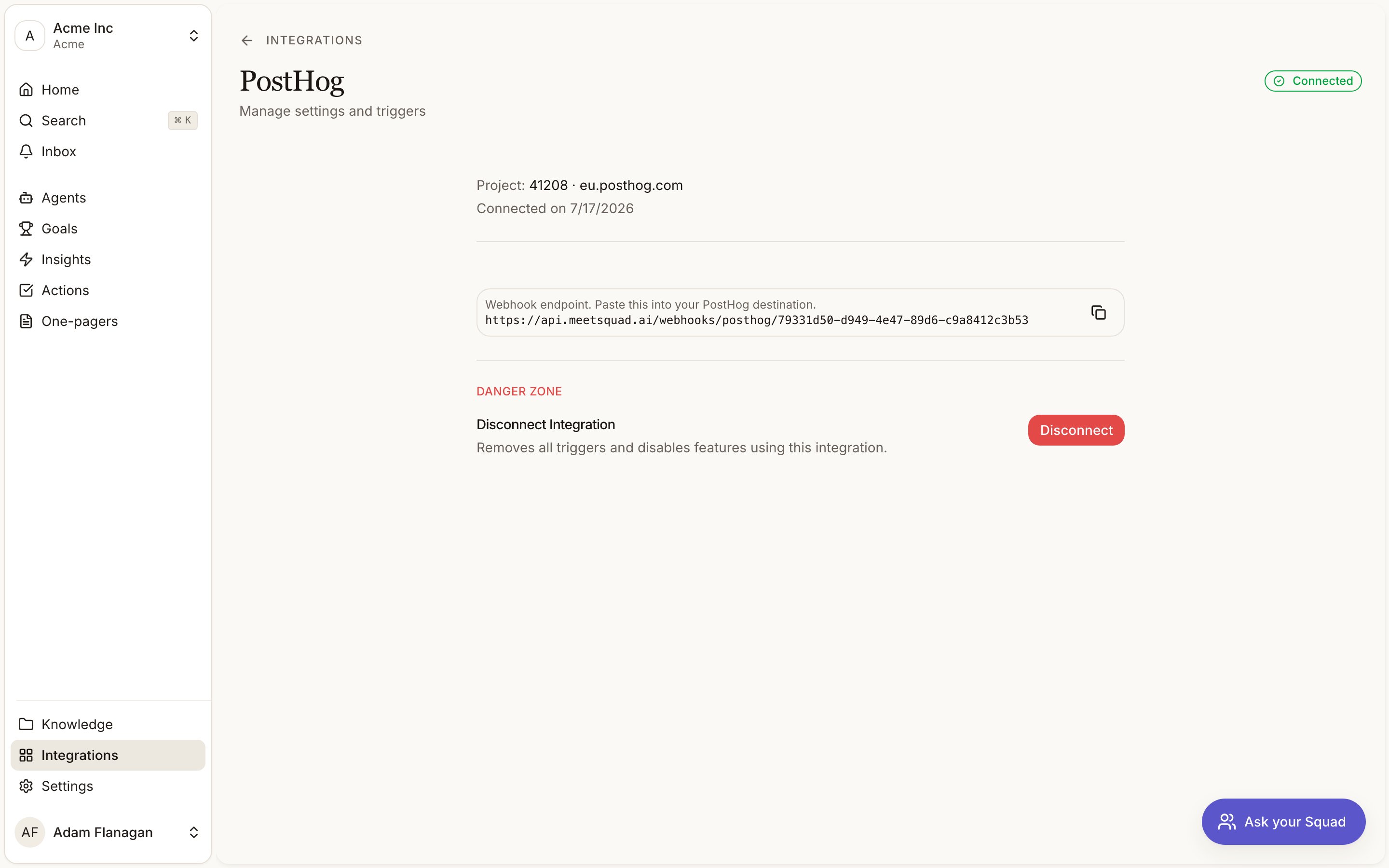
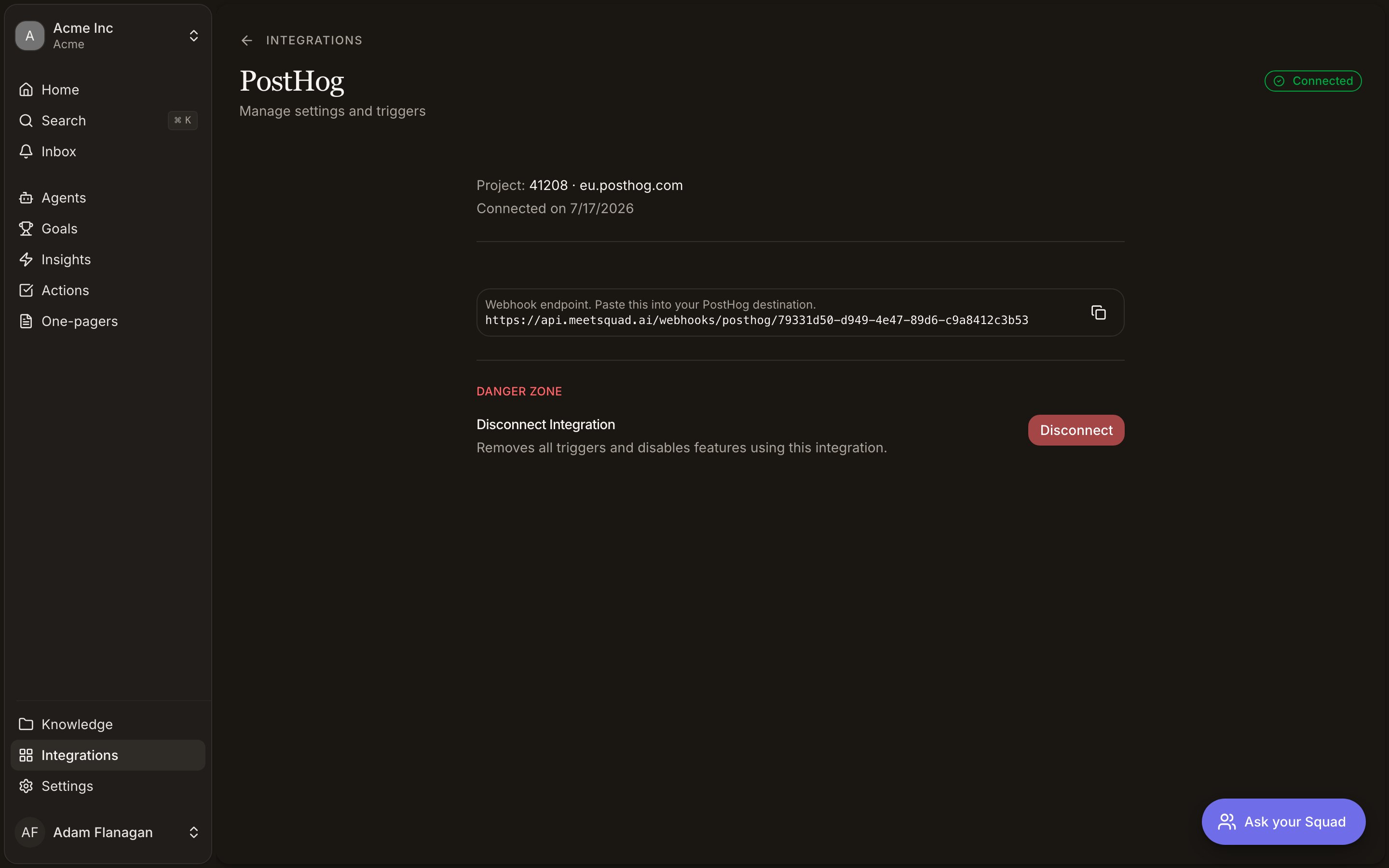
Submit and the card turns green. One connection covers one PostHog project.
What it brings in
Nothing from PostHog becomes a signal. It’s a query surface for agents, not a source of customer voice.
Triggers
One trigger, Event captured. It fires when PostHog forwards an event to Squad from a webhook destination you set up on your side. PostHog’s destination filters decide which events get forwarded, so you define what this trigger reacts to. The PostHog detail page in Squad shows the webhook endpoint to paste into that destination, with a copy button.The destination also has to send the shared secret header Squad checks,
x-squidge-webhook-secret. The app shows the URL but not the secret value, so ask support for it when you configure the destination.Tools
- Read
- Write
Run HogQL query does the real work. Events, trends, funnels and retention are all expressed as SQL.