Customers say things on sales calls they never put in a ticket. Connect Gong, switch on the Gong calls workflow, and every call your Gong rule matches arrives as signals with the transcript attached as evidence. No agent, no prompt, no decision about whether to fetch it.
Connect
Gong takes two steps, and the first one on its own does nothing.
Authorise
Click Connect on the Gong card and approve Squad in Gong. Squad asks for read access to calls and transcripts.
Create the webhook rule
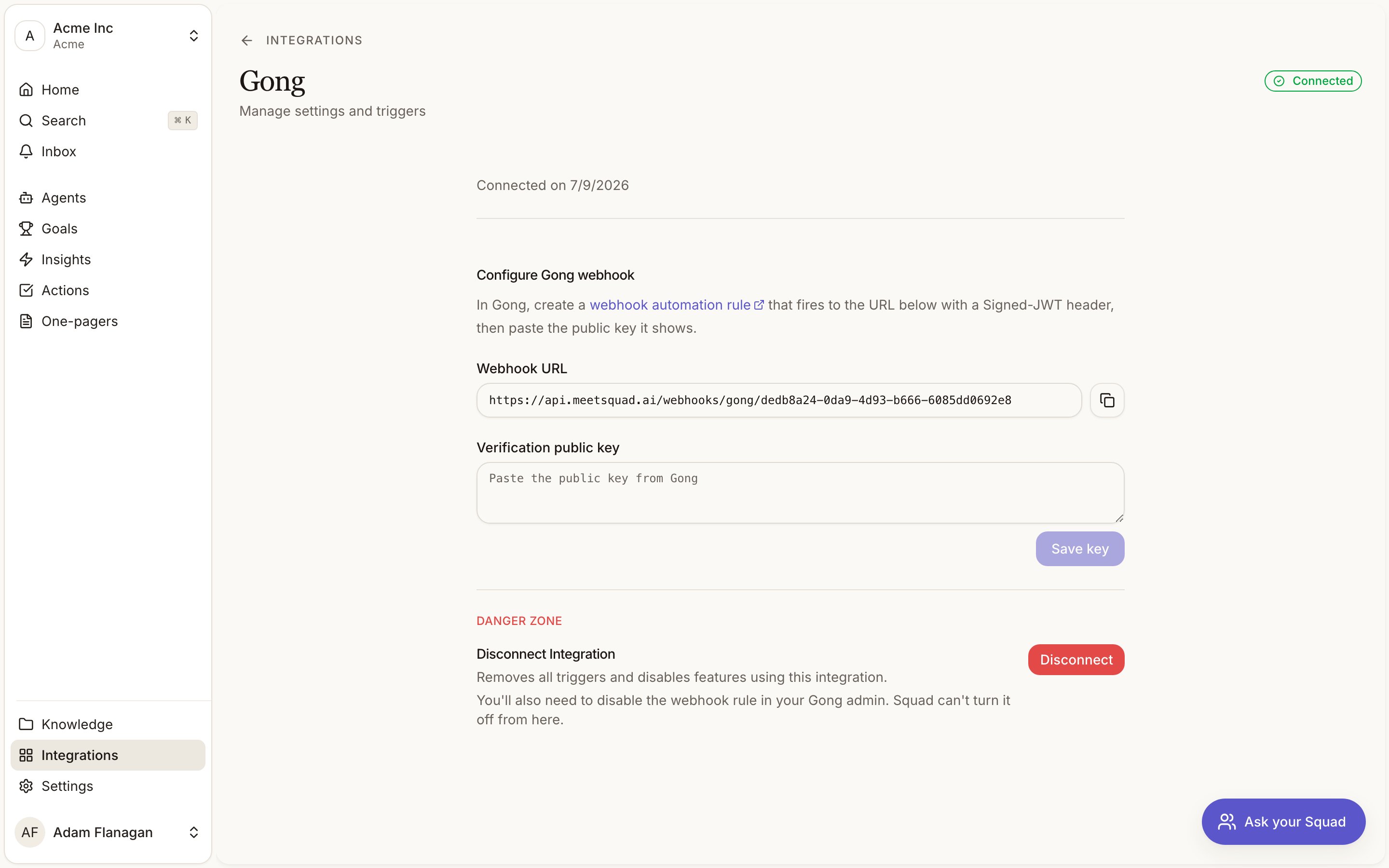
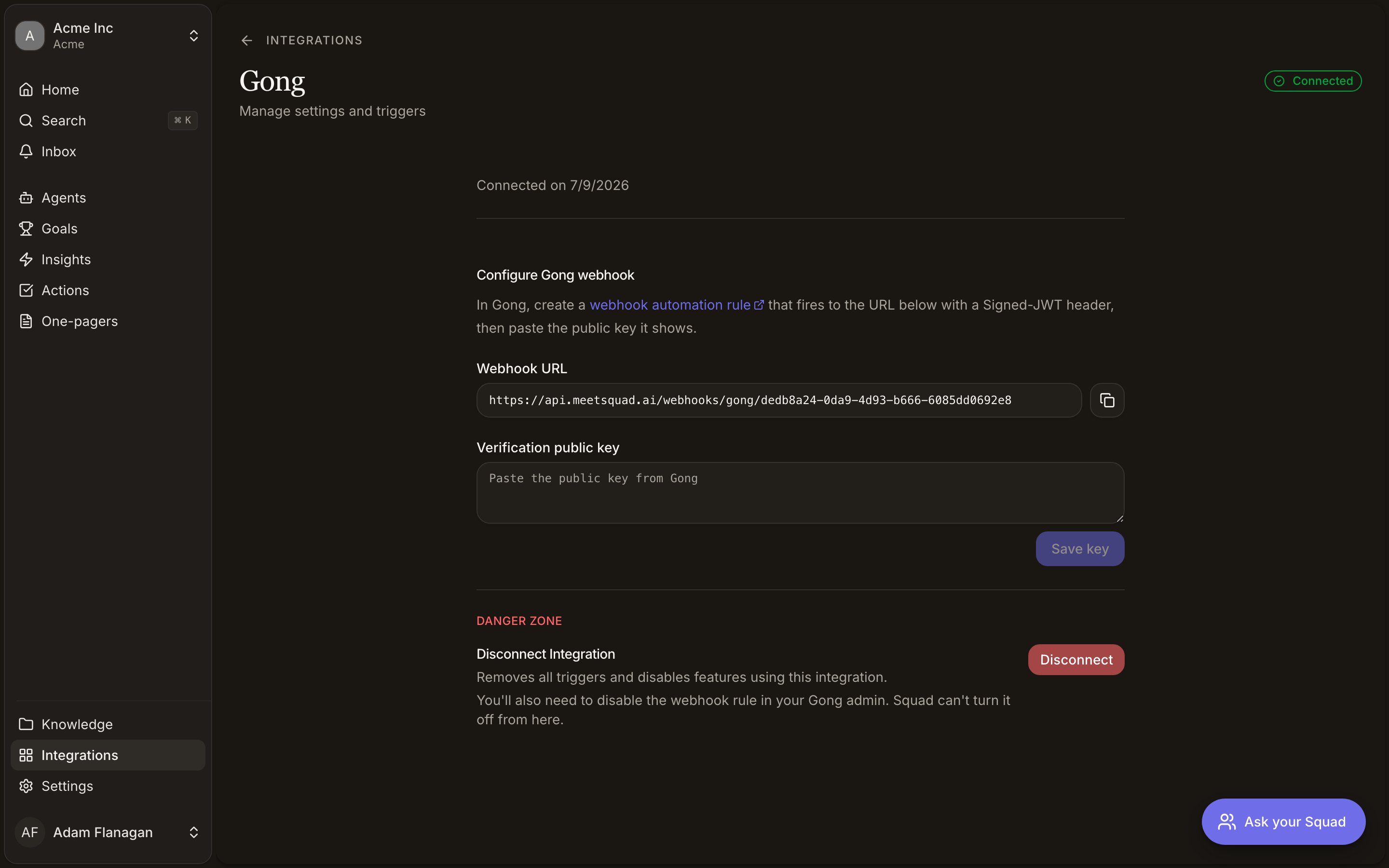
The connection now sits at Setup required in amber, with a Finish setup button on the card. The detail page has a webhook URL. Use the copy button beside it, and paste it into your Gong automation rule unchanged. The path has to match exactly, and a rule pointing anywhere else delivers nothing at all rather than failing visibly.Set the authentication method to Signed-JWT. Gong also offers “URL includes key”, which sends no signature, and Squad rejects any delivery that arrives without one.Gong shows a public key when you save the rule. Paste it into Verification public key in Squad and save. The status flips to Connected once the key is stored.
Bringing calls in
The Gong calls workflow asks for a name and nothing else. Every other workflow has a scope picker; this one has no use for one, because the scope already lives in your Gong automation rule. That rule decides which calls are ever sent (a team, a call type, a deal stage), and Squad takes what arrives.
Each call is fetched with its speaker names and formatted as a labelled transcript, so extraction reads dialogue rather than a wall of unattributed text. What a customer said on the call becomes signals linked back to that call, and the workflow’s history lists every call it took with a link into Gong.
Two kinds of delivery are dropped and never reach your workspace. Test payloads from Gong’s rule editor are acknowledged and ignored. Private calls are skipped, whether Gong marks the payload private or the call’s own metadata does. Both are checked twice.
Gong sends its webhook when the recording lands, which is sometimes before transcription has finished. A call that arrives without a transcript yet is retried rather than dropped, so it lands once Gong has the words. If it never does, the attempt shows as Failed on the workflow’s history instead of vanishing.
Triggers
One trigger, Call recorded, available to agents you build. It fires for every call your Gong rule matches.
An agent on this trigger is told a call was recorded and given its ID. It cannot read the call. Gong contributes no agent tools, and the transcript reaches your workspace through the workflow rather than through anything the agent can call. Use the trigger to act on the fact of a call. Use the workflow to get what was said.
Nothing is arriving
Every way this fails is quiet, because a delivery Squad never receives leaves nothing behind to look at. Three things to check, in this order.
Is the workflow switched on? Connecting Gong does not ingest anything by itself. Look for Gong calls in the Agents list. If it isn’t there, nothing you do in Gong will help.
Does the rule’s URL match the one on the Gong detail page? Character for character. Copy it again with the button and paste it over what the rule has. A rule pointing at a path Squad doesn’t serve gets an error back from a page Gong never shows you.
Is the rule’s authentication method Signed-JWT? On “URL includes key” the delivery arrives with no signature and Squad refuses it, which looks identical to nothing arriving.
Once a call has come through, the workflow’s history is the better place to look. A row there means the delivery reached Squad, and it tells you what happened next.
Limits
Your Gong rule sets the scope of what Squad sees, and there is no per-call filter inside Squad. Private calls never come through. Switching the workflow on does not backfill: calls recorded before that moment stay in Gong. Disconnecting in Squad doesn’t turn off the rule in Gong, so disable it in the Gong admin as well. Replacing the verification key means re-copying it from Gong. Use Replace key on the detail page.