

Connect
Approve Squad on Atlassian
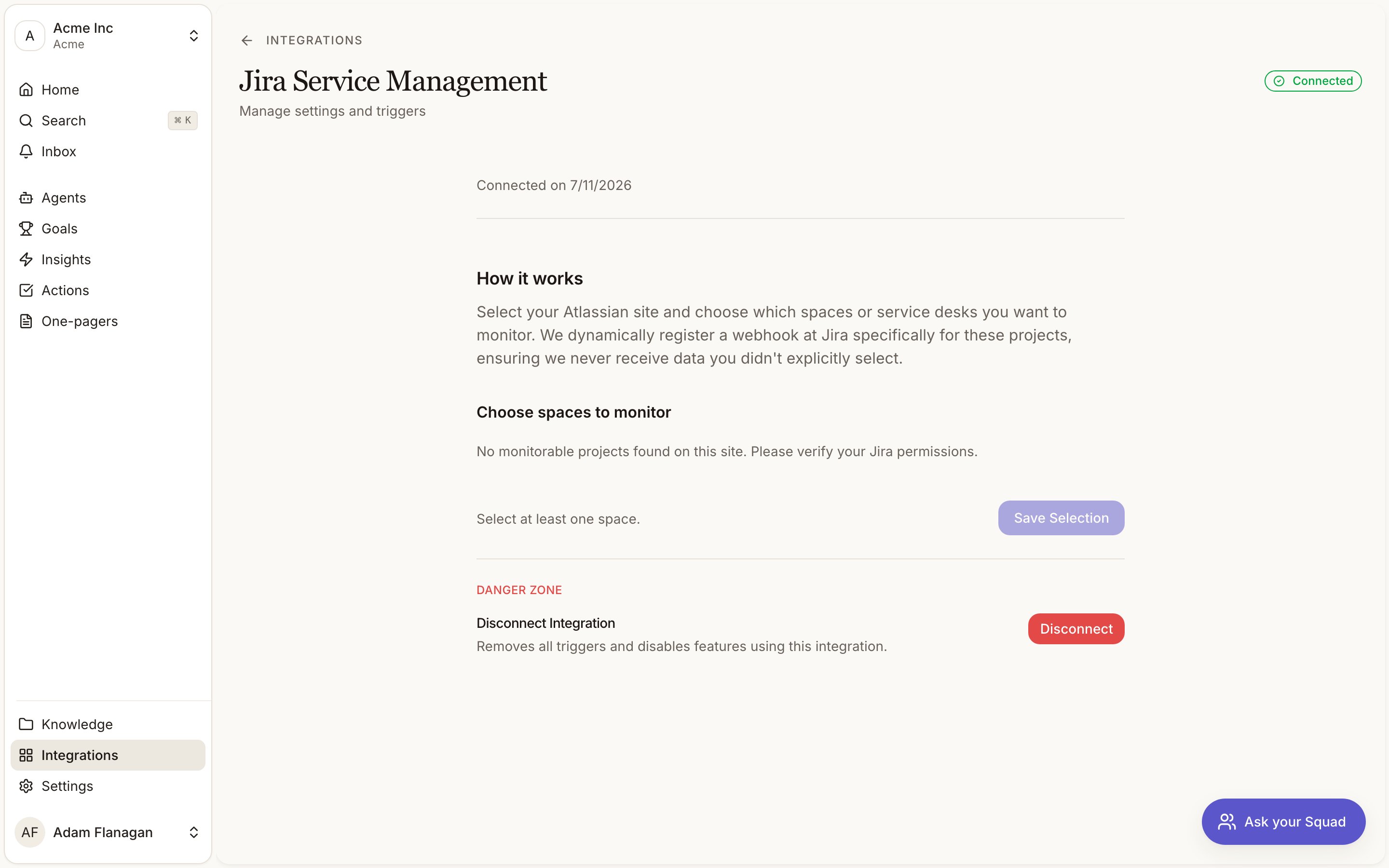
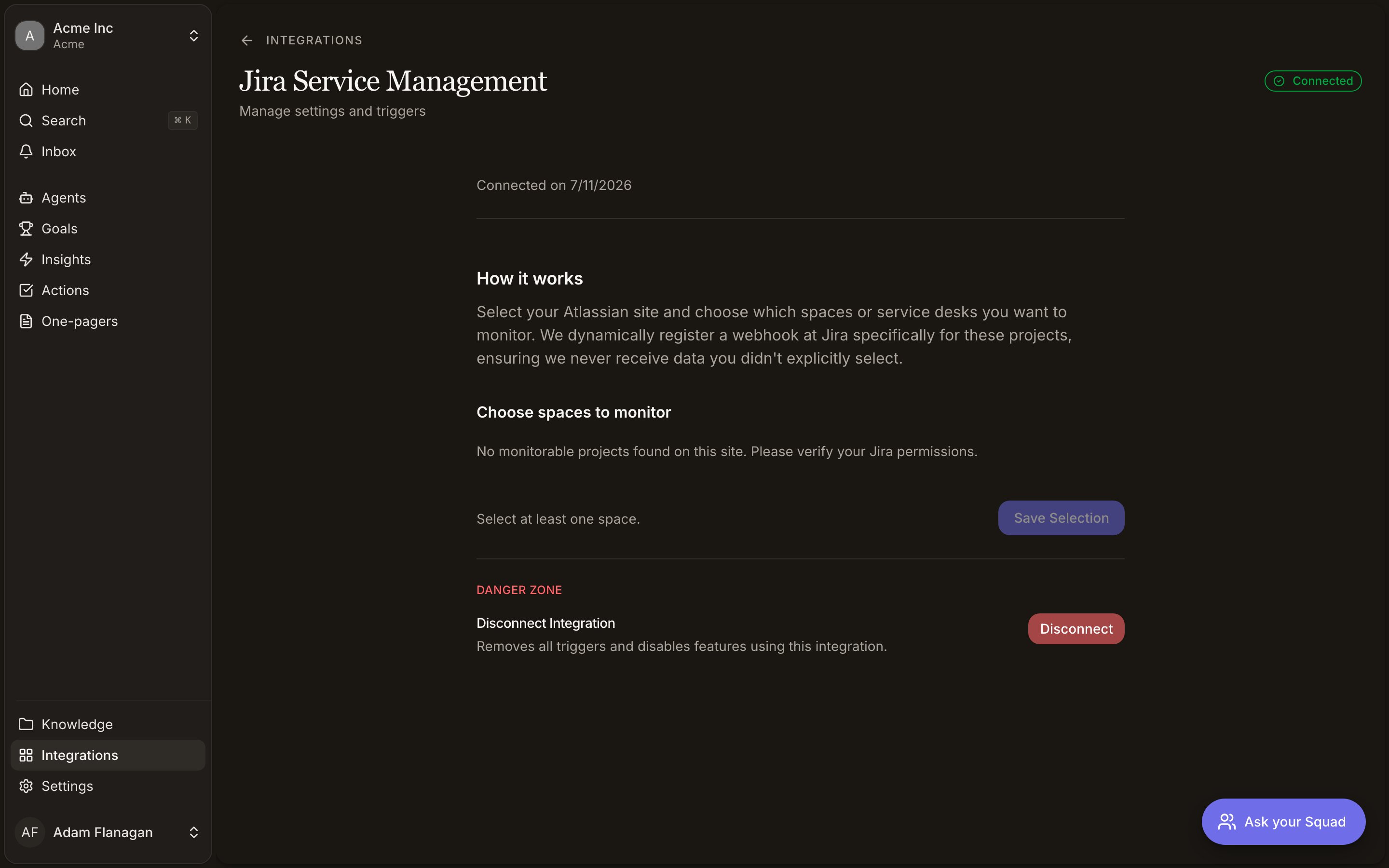
Click Connect and approve Squad on Atlassian’s consent screen.
Squad registers the webhook
Squad resolves your Atlassian site, registers a webhook, and returns you to the detail page. It starts scoped to every service desk project on that site.
Choose what Squad watches
If the grant covers more than one Atlassian site, pick one under Select Atlassian site. Tick the projects you want under Choose spaces to monitor, then Save Selection. Squad re-registers the webhook against exactly those, and needs at least one.
Atlassian expires these webhooks after 30 days. Squad extends them as expiry approaches and deletes them when you disconnect. If every space you picked becomes unreachable, the connection shows Setup required. After three failed maintenance runs it shows Disconnected. Either way, reopen settings and save a valid selection.
Triggers
Four, all fed by that webhook:- Request created. A new customer request arrives.
- Comment added. Someone comments on a request.
- Request updated. A request changes (status, priority, assignee, fields).
- Request resolved. A request’s status moves to done.
Tools
- Read
- Write
None of these bring a request into your feedback. That is the Jira requests workflow, which captures every new request whether or not an agent asks for it.
Getting requests into your feedback
Switch on the Jira requests workflow from the By Squad tab on the Agents page. Every new request in the service desks you scope it to is captured with its comment thread, turned into signals, and logged whether it captured, skipped or failed. Service desks only. The workflow reads through the Service Management API, so it offers your service desks and not the Jira Software projects the connection may also monitor.Requests raised before you switched the workflow on are not backfilled.