

Connect
Approve Squad in Linear
Click Connect on the Linear card and approve Squad in Linear. A Linear workspace admin has to do this, and the approval includes permission for Squad to be mentioned and assigned.
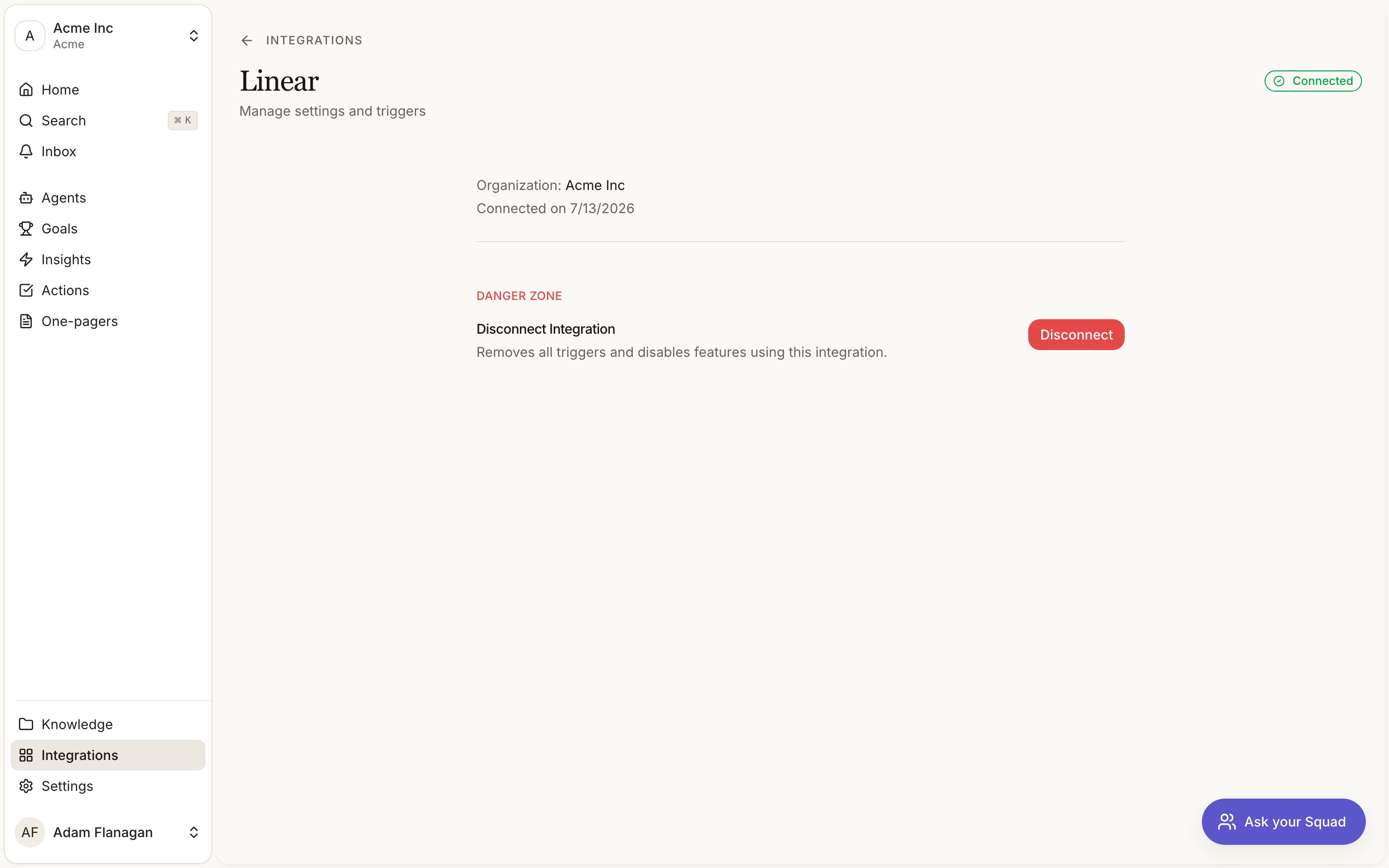
Land back on the detail page
You come back to the detail page as Connected. Squad records which Linear organisation the connection belongs to, so incoming events reach the right workspace, and Squad appears under Agents when you type
@ in a Linear comment.Mention Squad on an issue
Type@Squad in a comment and ask. Squad reads the issue, searches your signals, insights and goals, and answers in the thread. It shows each step as it works, so you can see which tools ran and what they returned rather than watching a spinner.
Questions it is built for:
- What evidence do we have for this?
- Who is asking for this?
- Which goal does this serve?
- Has anyone raised this before?
stop, leave it or never mind. It steps back straight away.
Answering a question changes nothing, in Linear or in Squad. The two exceptions are deliberate and you have to ask for them: a PRD, covered next, and assigning the issue. Filing issues and posting comments are the agent tools below, which you turn on per connection.
Where it works
Linear allows agents on issues and comments only. Mentioning Squad on a project, a document or an initiative does nothing, because those surfaces are reserved for Linear’s own agent.Ask for a PRD
Say@Squad write a PRD for this and it goes looking for the signals behind the issue, then drafts a brief from them. You get the link back in the same thread, and the issue picks up an attachment row pointing at it.
Drafting takes a couple of minutes. The session stays open while it runs and tells you when it lands, so you don’t have to go and check.
What comes back is a draft in Squad, with a display id like BR-12. Edit it there. On the Linear issue nothing changes except the attachment row: no rewritten description, no status move, no comment.
It won’t write a PRD it cannot support. A brief has to cite real signals, so if nothing in your evidence backs this issue, Squad says what it searched and what would let it write the thing. That reads as a question rather than an answer, and the session waits for you. Replying with more context, or pointing it at an account or a theme, is usually enough.
If a draft fails or runs long, Squad says so and links you to it. The document is in Squad either way, and you can retry it from there.
Assign an issue to Squad
Assigning is a handover rather than a question. Squad moves the issue to your team’s first in-progress state, gathers the evidence, and writes it into the description: the problem in the customer’s terms, who is asking, the strongest quotes, and the open questions a builder would need answered. You stay the owner. Linear records Squad as the delegate, so the issue still shows as yours. Your text is never overwritten. Squad appends under aContext from Squad heading, below whatever you wrote. Assign the same issue again and it replaces its own section, not yours.
The strongest evidence is attached to the issue as links, the way a Slack or Notion link appears. Signals or insights, at most five so the issue stays readable, and every other citation stays inline in the text.
It writes only what it can support. If the evidence is thin it says so, and if Squad holds nothing relevant it writes that rather than padding the ticket with plausible fiction. It won’t propose a solution, a design or an estimate: it establishes why the work matters, not how to do it.
Link work to an issue
The three above all start in Linear. This one starts in Squad, and it’s how a brief or an action gets tied to the ticket that delivers it. Open a brief or an action and find the Linear row in the Info panel. Click Link, then either paste an issue URL or an identifier likeENG-123, or search your Linear issues and pick one. Squad checks the issue exists before it saves anything, so a typo tells you so instead of leaving a link pointing nowhere.
Once linked, the row shows a pill: the identifier, the state Linear last reported, and a click straight through to the issue. The pill carries its own remove button when you want to unlink.
An issue can only be linked to one Squad brief or action at a time. Try to link one that’s already taken and Squad names it and tells you to unlink it there first.
The state on the badge is what Linear last told us, not a live read. It updates when Linear sends an event, so a status changed seconds ago may not have arrived yet. Click through to the issue when the exact state matters.
Push a brief into Linear
The other direction from linking. Open a brief, choose Push to Linear from the⋯ menu, pick a team, and Squad creates an issue carrying the brief, plus a sub-issue for each action the brief produced. Every issue gets an attachment row pointing back at Squad, and the Linear row on the brief fills in with what was created.
Pick the team once. Squad remembers it for the next push.
The brief’s citations survive the trip. SI- links are rewritten to full URLs on the way out, so they open in Squad rather than dying on a Linear page.
Pushing twice is refused, not merged. If a brief already has issues in Linear, Squad says so and names them. Unlink it first if you want a fresh set. Updating the existing issues in place would overwrite whatever your team has done to them since.
Issues Squad creates do not fire the Issue created trigger. The loop guard drops events Squad itself authored, which is what stops an agent reacting to its own work. An agent watching for new issues will not see a push.
When a Linear issue is done
Move a linked issue to a done state and the Squad action closes on its own. In progress starts it, cancelled dismisses it, and moving it backwards reopens it. Squad reads Linear’s state type rather than the column name, so renaming “Done” to “Shipped” changes nothing. Triage, backlog and todo deliberately map to nothing: they all mean “not being worked on”, which is not a Squad status, and guessing would move work you never touched.What it brings in
Nothing from Linear becomes a signal. There’s no capture step for issues or comments, and Linear content never enters the evidence pipeline.
Triggers
- Issue created. A new issue lands.
- Issue updated. An issue changes (status, assignee, content).
- Comment added. Someone comments on an issue.
Tools
- Read
- Write