

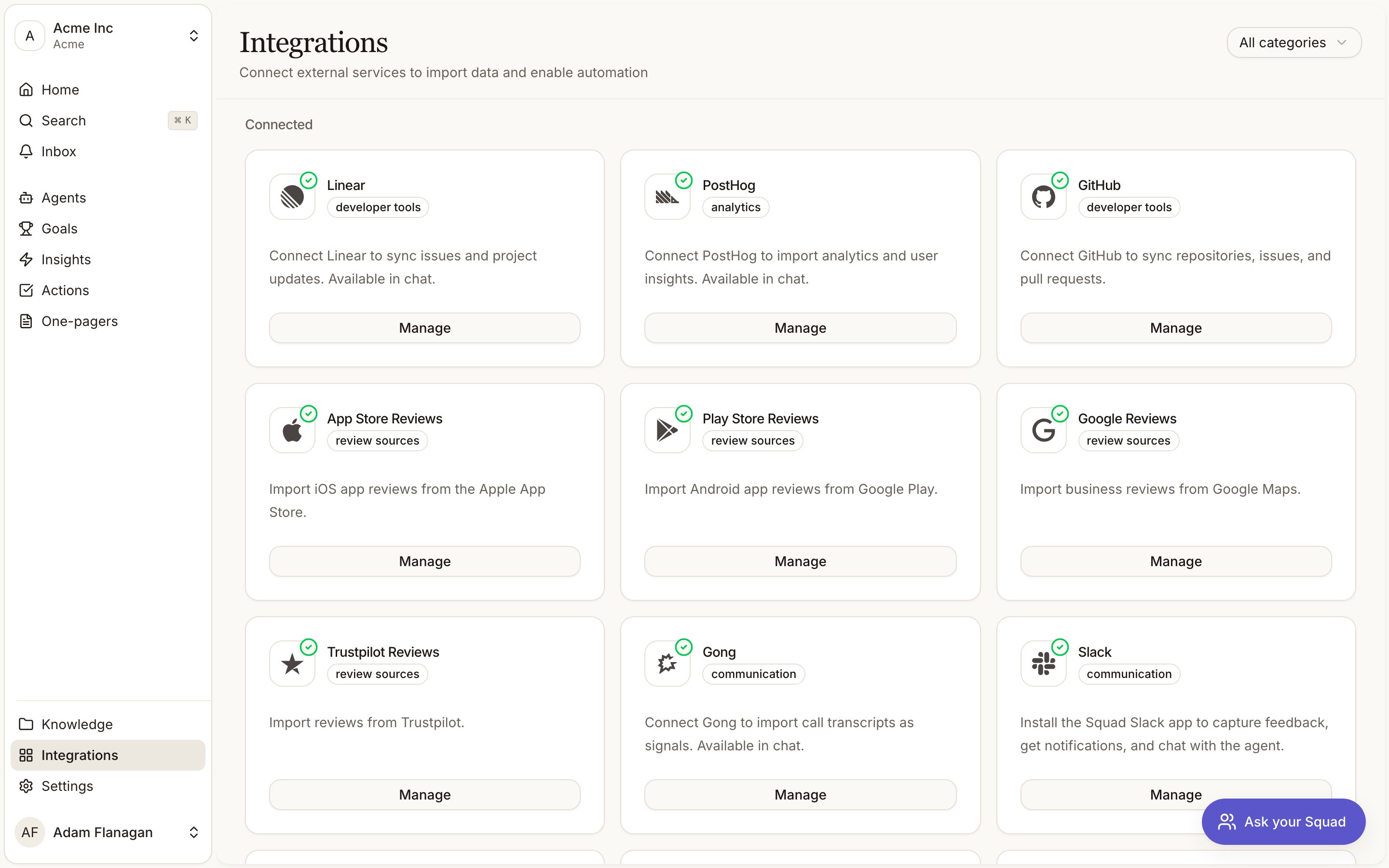
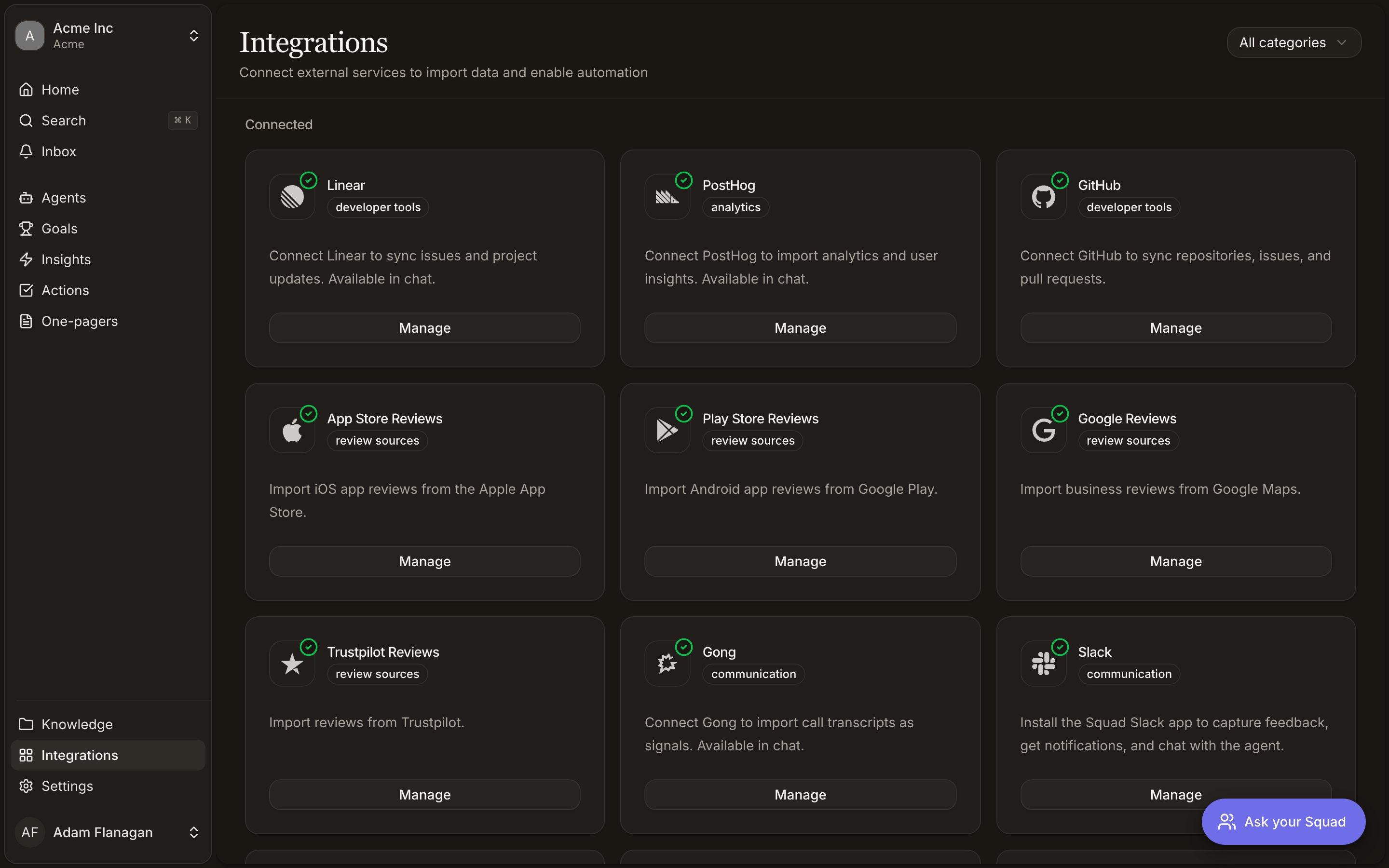
Every provider

Slack
Capture feedback from Slack, read channel history from an agent, and get Squad’s output posted back into a channel.

Notion
Watch a Notion page for changes, and let an agent read the page it was triggered from.

Gong
Turn recorded calls into signals on their own, and start an agent when one lands.

Jira Service Management
Turn customer requests into signals on their own, and reply to them from an agent flow.

Linear
Start an agent when an issue or comment changes, read your issues, and file new ones from a flow.

GitHub
Turn issues into signals, read a repository into your knowledge base and keep it current, and run an agent when an issue opens or a pull request merges.

PostHog
Query your product analytics from an agent, and run one when PostHog forwards an event.

Fellow
Turn AI meeting notes and transcripts into signals as Fellow finishes each one.

Review sources
App Store, Play Store, Google and Trustpilot reviews, imported daily as signals.
Categories
The filter in the top right offers six categories. Analytics, communication, database, developer tools, productivity and review sources. No provider uses productivity, so filtering by it always shows an empty grid.The three ways to connect
A new workspace starts with every provider under Discover and nothing connected. Each card carries a Connect button.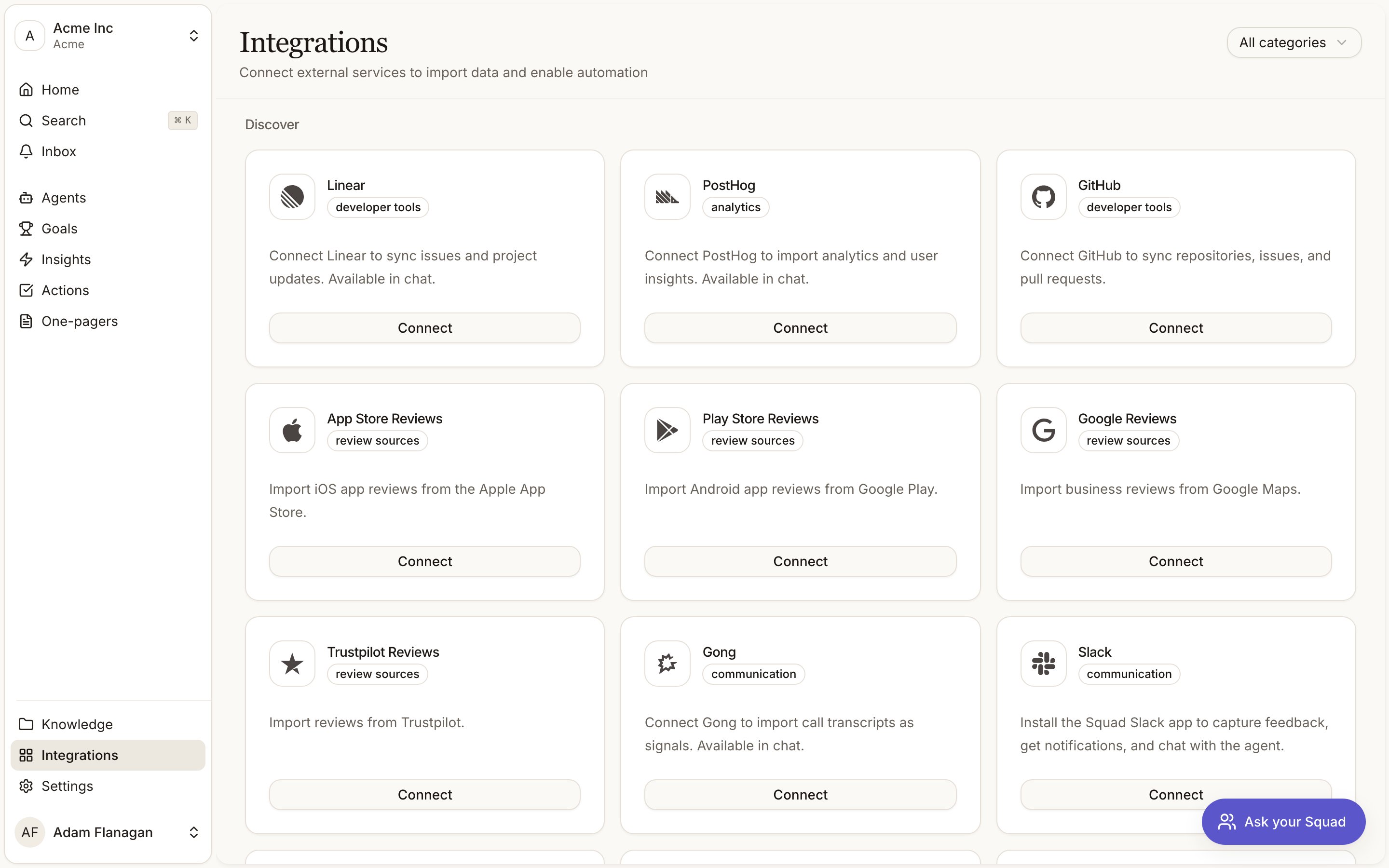
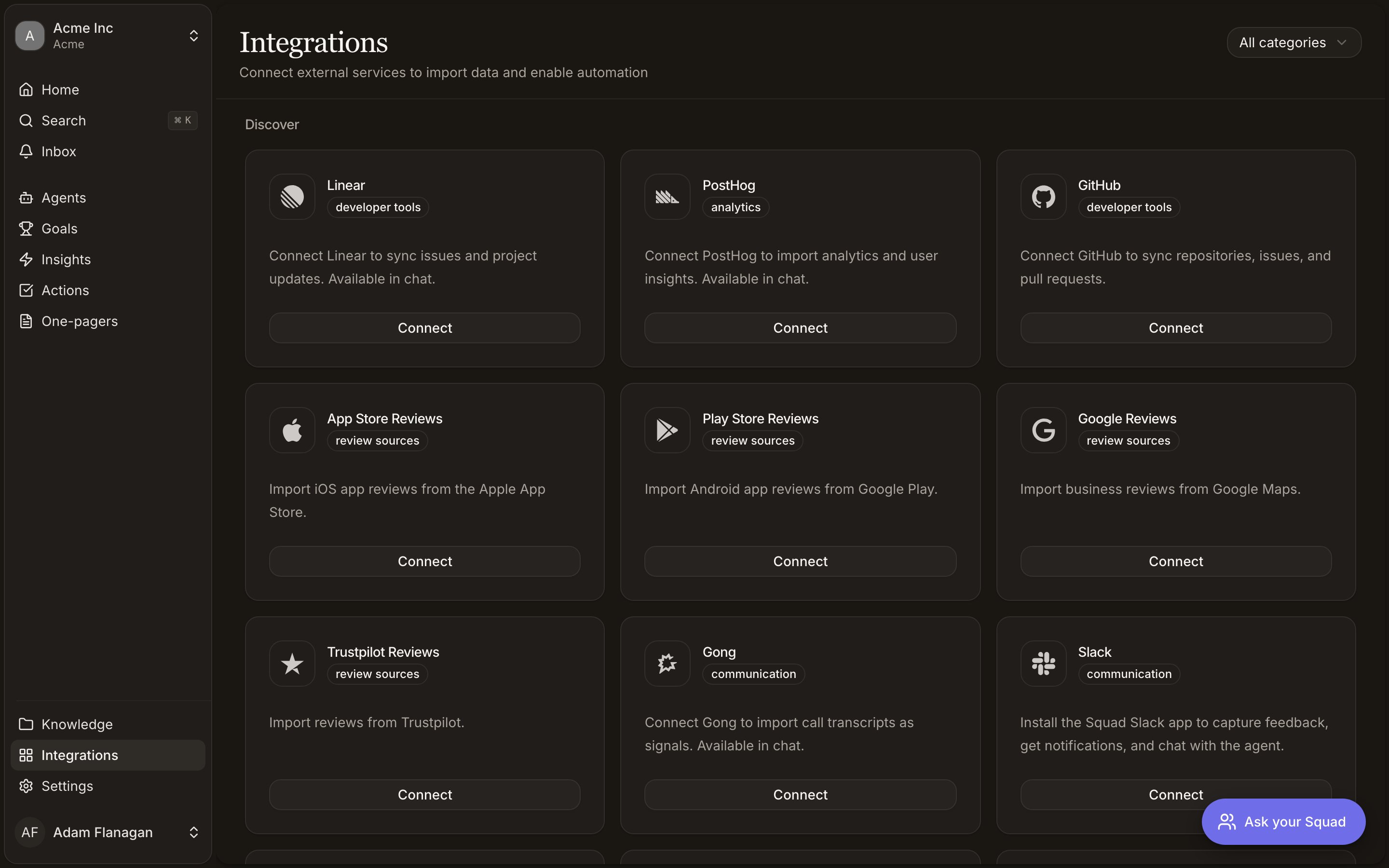
- OAuth
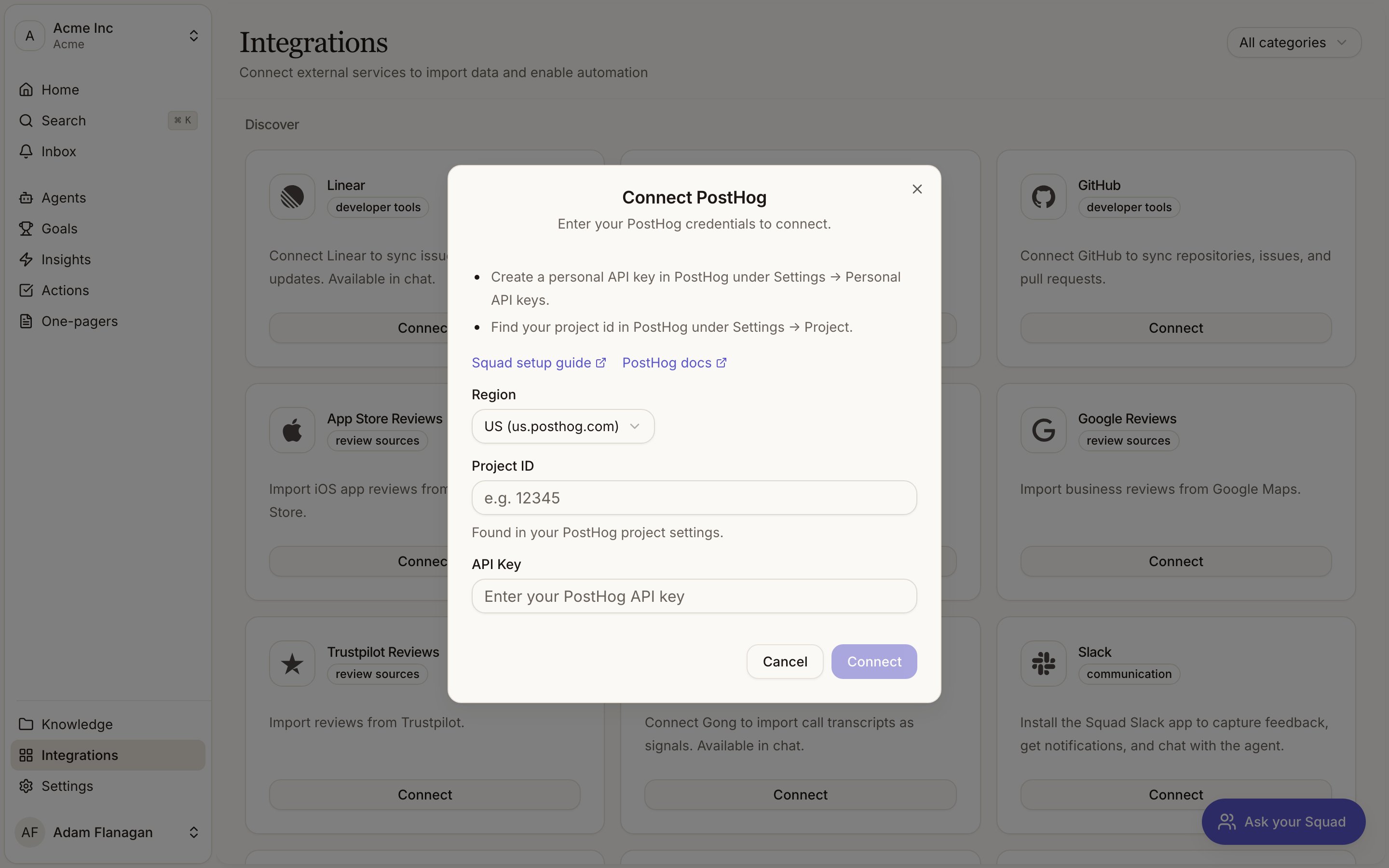
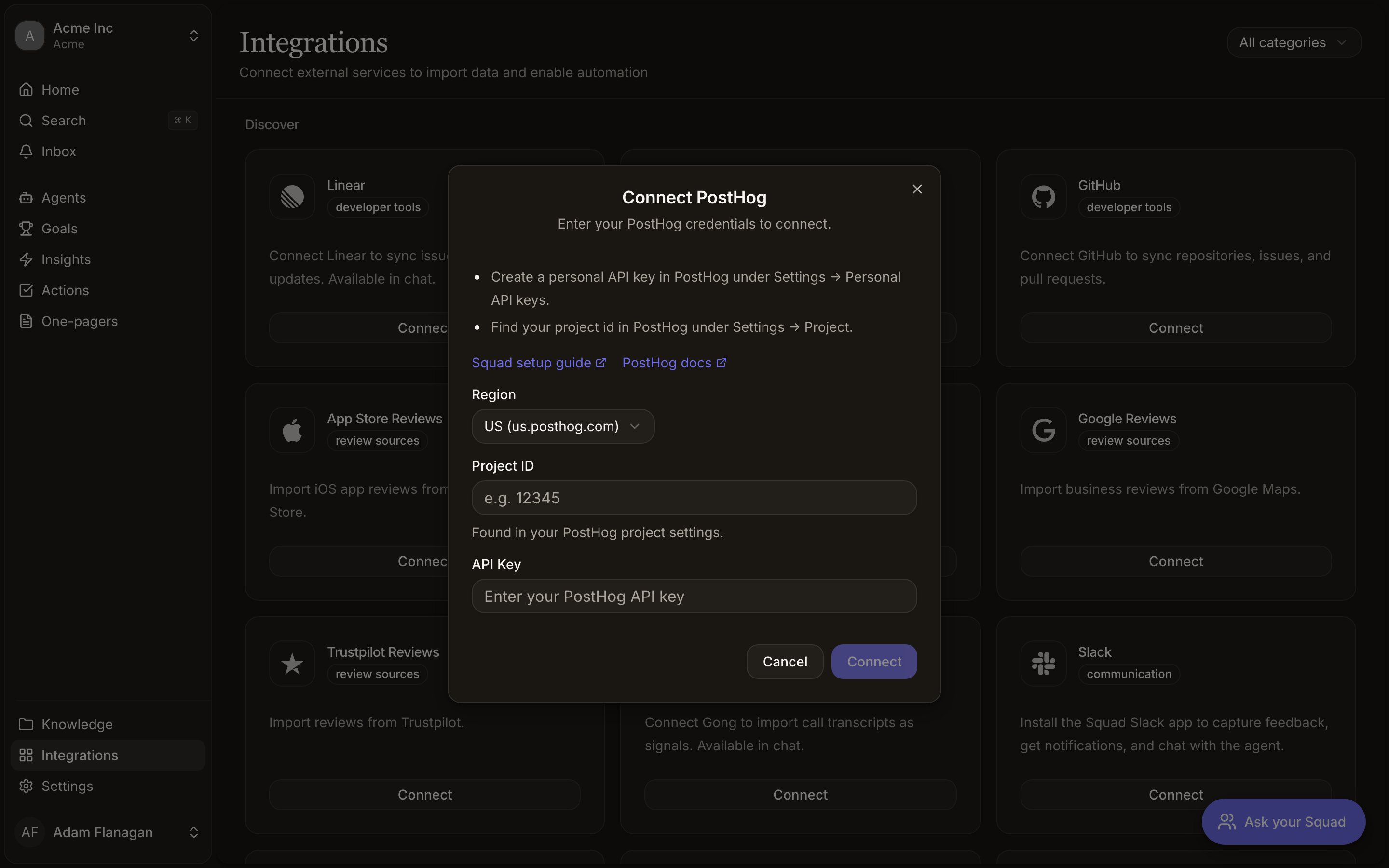
- An API key form
Linear, Gong, Slack, Notion and Jira Service Management send you to the provider’s consent screen. Approve there, and you land back on the integration’s detail page in Squad with a green Connected badge.
Setup required
A provider can be connected and still not working. When OAuth finishes but a step on the provider’s side is outstanding, the integration sits in Setup required. That’s an amber badge on the detail page, an amber border on the card, and a Finish setup button in place of Manage. Gong is the provider that lands there today. Its OAuth grant doesn’t give Squad a way to verify inbound webhooks, so the connection waits until you paste the verification public key from your Gong webhook rule. See Gong.How triggers and tools reach your agents
An agent that starts from an integration event picks the trigger in the agent builder. The picker only lists providers that are connected and declare at least one trigger. A triggered agent gets the trigger provider’s read tools without being granted them, so it can read the thing that started it. Gong is the one provider where that amounts to nothing, because it contributes no agent tools at all: its transcripts come in through the Gong calls workflow instead. Everything else comes from that connection’s row in the agent builder, set to None, Read only or Read & write. A few providers name their own levels, like Notion’s Can view. Write tools only ever come from an explicit Read & write, so a triggered agent never writes by accident. See Agent tools and access.The chat assistant is different. It gets the read and write tools of every active integration with no configuration, because you’re in the loop for every message.