

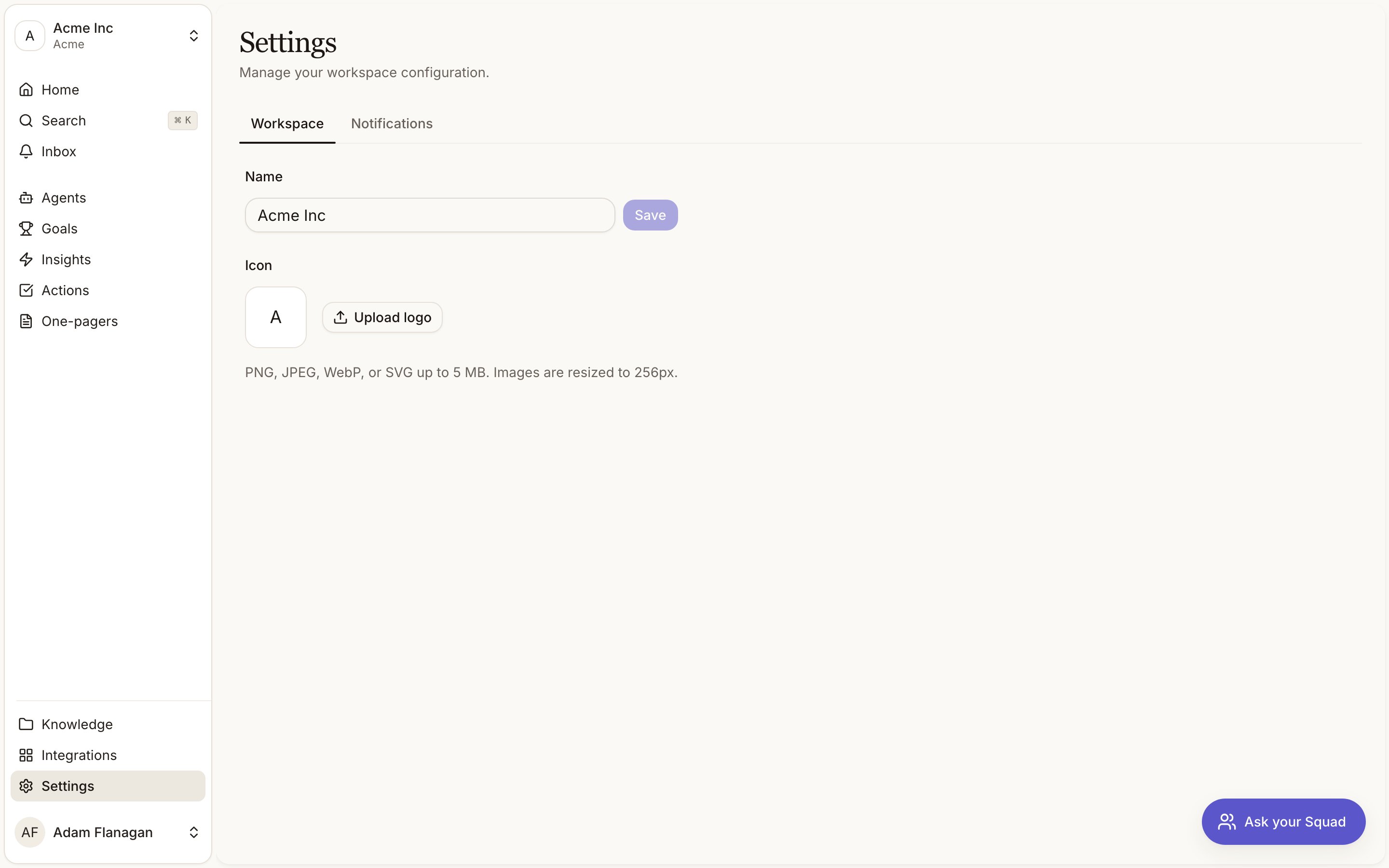
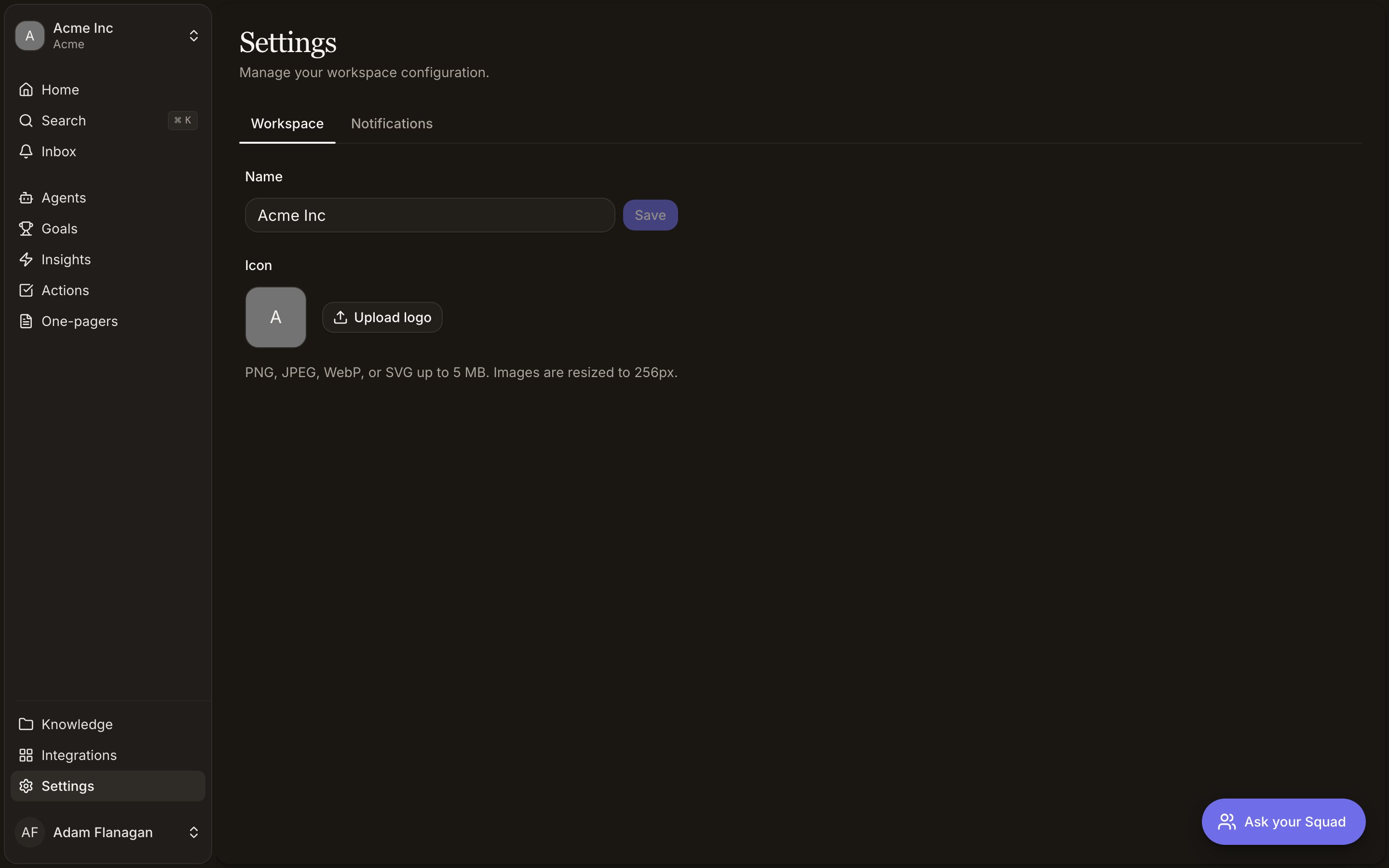
The two tabs
- Workspace
- Notifications
Two things live here, the workspace name and its icon.
Name
Type into the Name field and click Save, or press Enter. Up to 120 characters. Save stays greyed out until you change something, and an empty name can’t be saved. A toast confirms with Workspace name updated.Icon
The icon shows next to the workspace name in the switcher. Click Upload logo to set one, or Replace logo to swap it. Remove clears it back to the default.PNG, JPEG, WebP, or SVG, up to 5 MB. Squad resizes what you upload to 256 pixels on its longest edge, so a large screenshot or a full logo lockup will come out small and unreadable. Use a square mark. There’s no save step. The icon is stored the moment you pick the file, and you get a Logo updated toast.If a file is rejected the toast tells you why. The wrong format, over 5 MB, or still too heavy after compression (try a simpler image with fewer colours).What isn’t here
Members, invites, and roles are managed for your whole organisation, outside the workspace. There’s no workspace deletion and no per-workspace billing.Integrations
Connecting Slack, GitHub, Linear, and the rest happens here.
Tools and access
What Squad’s agents are allowed to read and write is set per agent.