

The switches
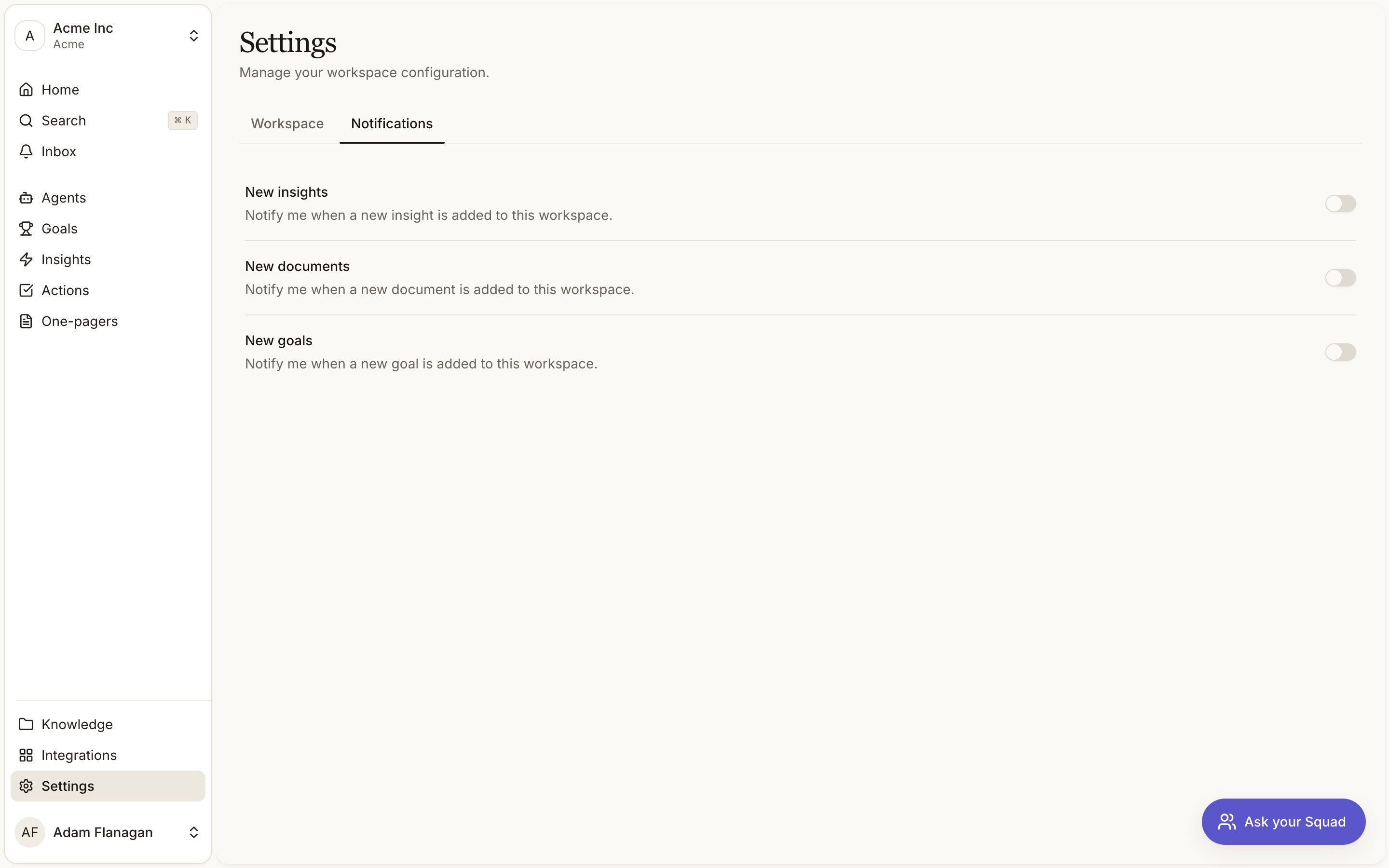
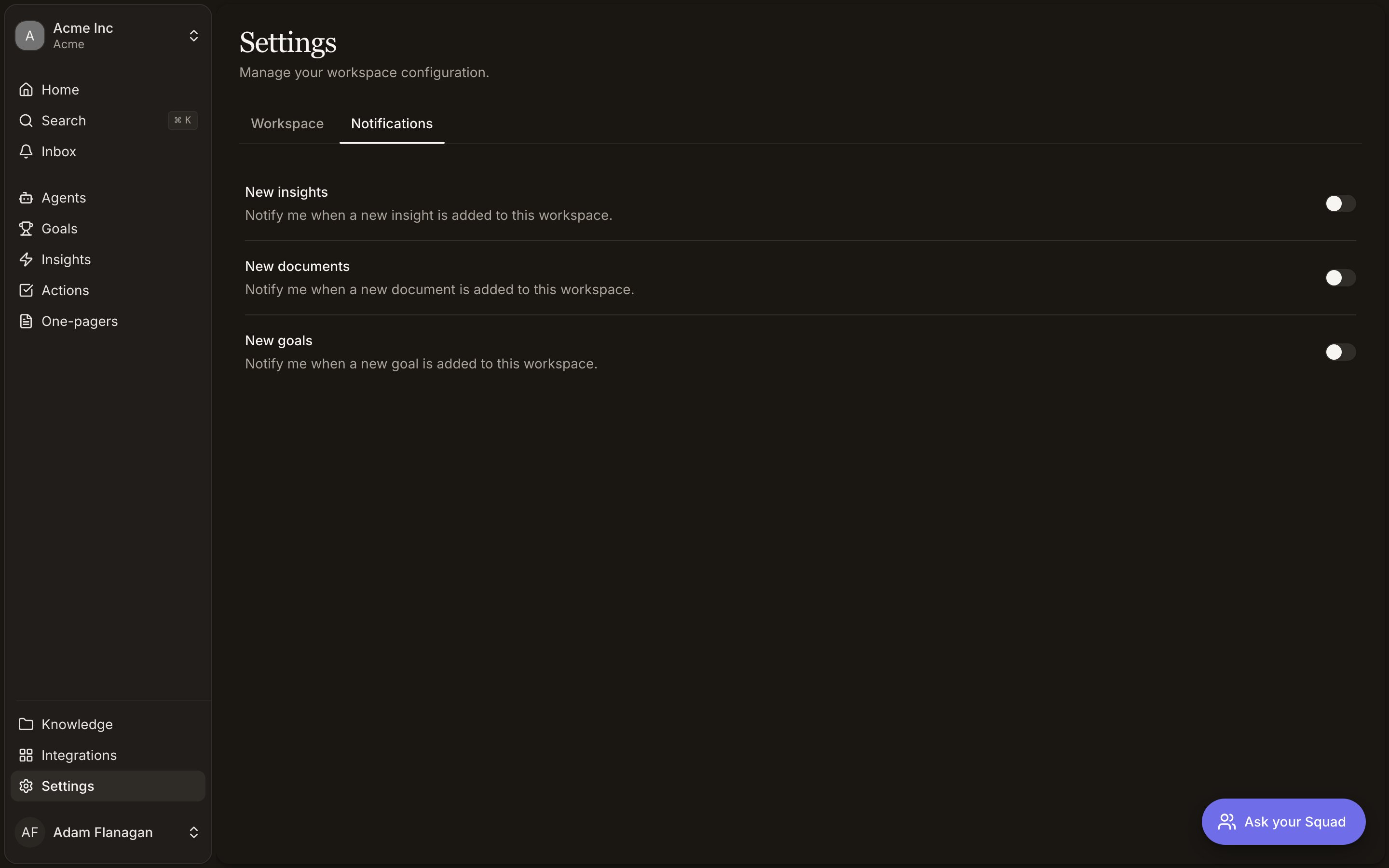
What Squad tells you about. They live on the Notifications tab of Settings.
The inbox
Where those notifications land. A popover on the sidebar, opened from Inbox under the bell icon.
Choosing what you hear about
Open Settings in the sidebar and pick the Notifications tab. Every topic Squad can notify you about is listed there, each with its own description. Each row carries two switches: In-app and Email. Some topics offer both, some only one, and a row shows only the switches its topic actually supports. Turning both off unsubscribes you from that topic. Toggle a switch and it applies immediately. There’s no save button and no confirmation toast. If a change fails it snaps back and tells you why. Your choices are yours alone, so muting a topic doesn’t affect anyone else on the team. They’re also per workspace, which lets you follow one workspace closely and stay quiet on another. Open a second tab and a change made in one appears in the other without a reload.The inbox
Inbox sits near the top of the sidebar with a bell icon. A number appears on it when you have unread notifications, and reads9+ past nine. Click it and the inbox opens
beside the sidebar.
The list is flat, newest first. Unread rows are tinted, bold, and carry a small dot on the
right. Ten load at a time, with Load more at the bottom when there are more.
Mark all read appears in the header while anything is unread. It clears everything
unread, not just what’s on screen, and stops at the newest item you’ve actually seen, so
something arriving mid-click stays unread.
The count on the bell is the real number waiting for you in this workspace, and reads
9+ past nine.
Clicking a notification marks it read and takes you to what it’s about. If Squad doesn’t
recognise the kind, the row still appears and still marks read; it just has nowhere to
send you.
All activity at the bottom of the popover opens the full Activity feed,
which is the complete change log rather than the subset you subscribed to.
With nothing waiting, the inbox shows No notifications yet.
New notifications also appear as a toast in the corner while you have Squad open. Clicking
the toast does the same thing as clicking the row.
What Squad notifies you about
Action assignments. Someone assigns an action to you. This one is directed at a person rather than broadcast, so it defaults to in-app and email both. Individual insights, documents and briefs don’t notify. They arrive in volume, mostly made by machines, so one notification each would drown out the things aimed at you. Squad never notifies you about something you did yourself. Agent reports. Every agent that writes reports gets its own row under Agent reports in Settings, so you follow the ones you care about and ignore the rest. Each row names the agent and links to it. There is nothing to turn on at the agent’s end: reports always reach their subscribers, and the two switches decide whether yours arrive in-app, by email, or both. A briefing arrives differently on each channel. In-app gives you the headline and opens the briefing when you click it. Email carries the whole briefing, so you can read it without leaving your inbox; a briefing too long to send in full says so and links to the rest. If nobody is subscribed, the run records the delivery as skipped rather than failing, and says why. See Agents.Cookbook
Quieten a busy workspace
Quieten a busy workspace
Open Settings, go to Notifications, and turn both switches off on the topics you
don’t want. Squad notifies you only about things aimed at you, so there is not much to
mute, but a workspace with many agents can get loud. Turn off the agents you don’t follow under Agent
reports and check Insights on your own schedule.
Make sure a topic reaches you
Make sure a topic reaches you
Turn In-app on for it. That is the channel that delivers. The two switches are
independent, so a row can be set one way, both ways, or not at all, but Email on its
own means the topic reaches nobody.
Catch up after time off
Catch up after time off
Open the Inbox, work down the list clicking through the ones that matter, then hit
Mark all read, which clears the lot rather than just the visible page. For the fuller
picture of what changed while you were out, including everything you never subscribed to,
click All activity.
Follow one workspace, not the other
Follow one workspace, not the other
The switches are per workspace. Switch workspace, open Settings, and set the toggles
differently there.